An AI Poster Generator for Holiday Art
Upload a family photo, pick a painted style, and get print-ready holiday artwork in about 30 seconds. Built for cards, framed like prints.
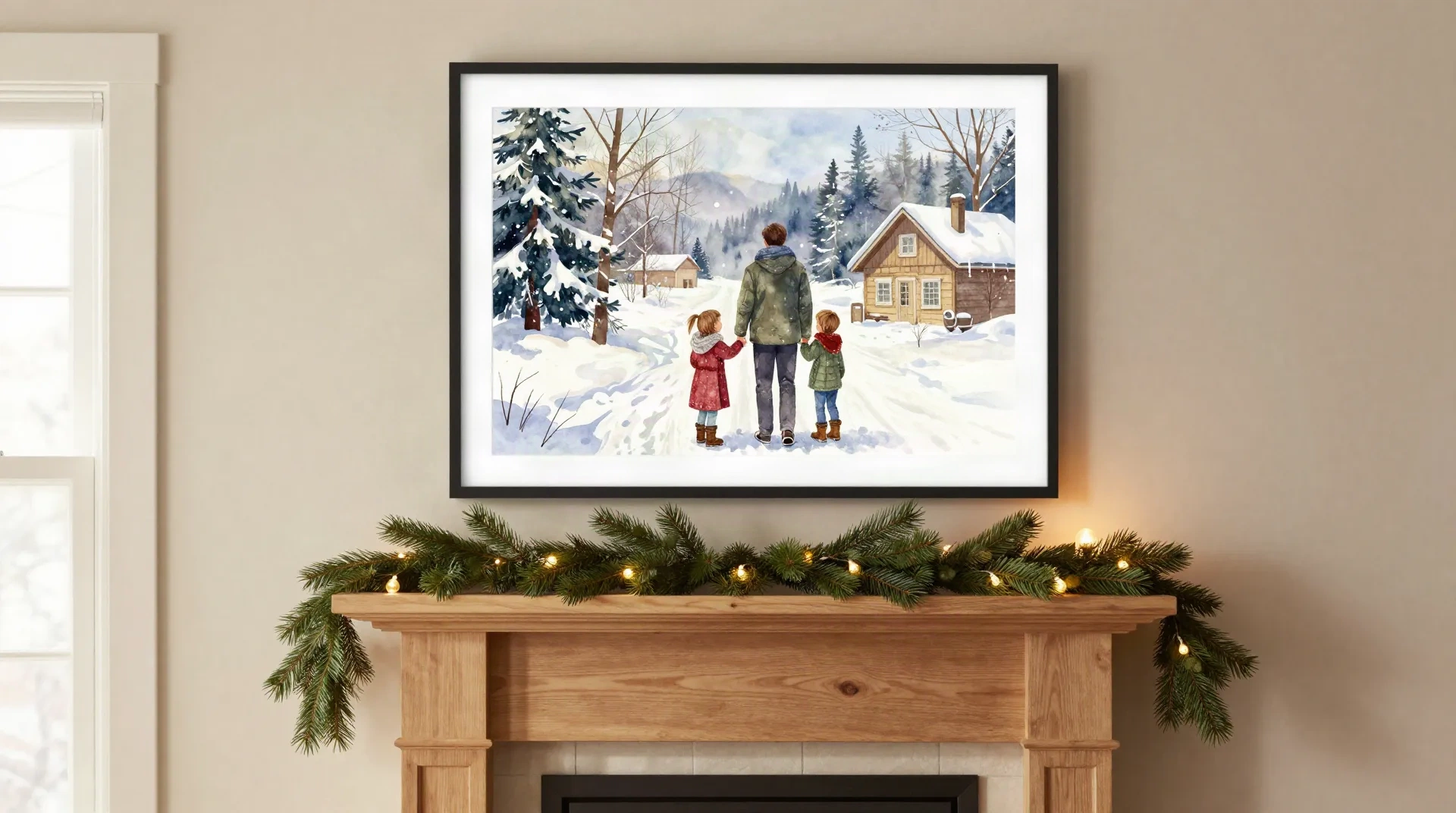
Six things this generator is built for
Painted, not filtered
The model repaints your photo as watercolor, oil pastel, vintage postcard, or paper-cut. It is not a colour grade laid over the original.
Trained on cards people kept
About 40,000 mid-century illustrated cards, the kind families stored in a shoebox, shaped how it handles composition and ink.
A preview in 30 seconds
Upload, pick a style, and see the result on your own photo. No sample images, no account wall before you see anything.
Print-ready PDF
Download it and print at home or at a copy shop that handles cardstock. No export settings to untangle.
Shipped from Portland
Order printed copies on 300gsm matte stock. They typically reach your door in about 6 days, printed to order.
About $3 a card
No $150 commission and no three-week wait for a single custom design. Previewing costs nothing.
Watercolor for winter scenes that look hand-painted
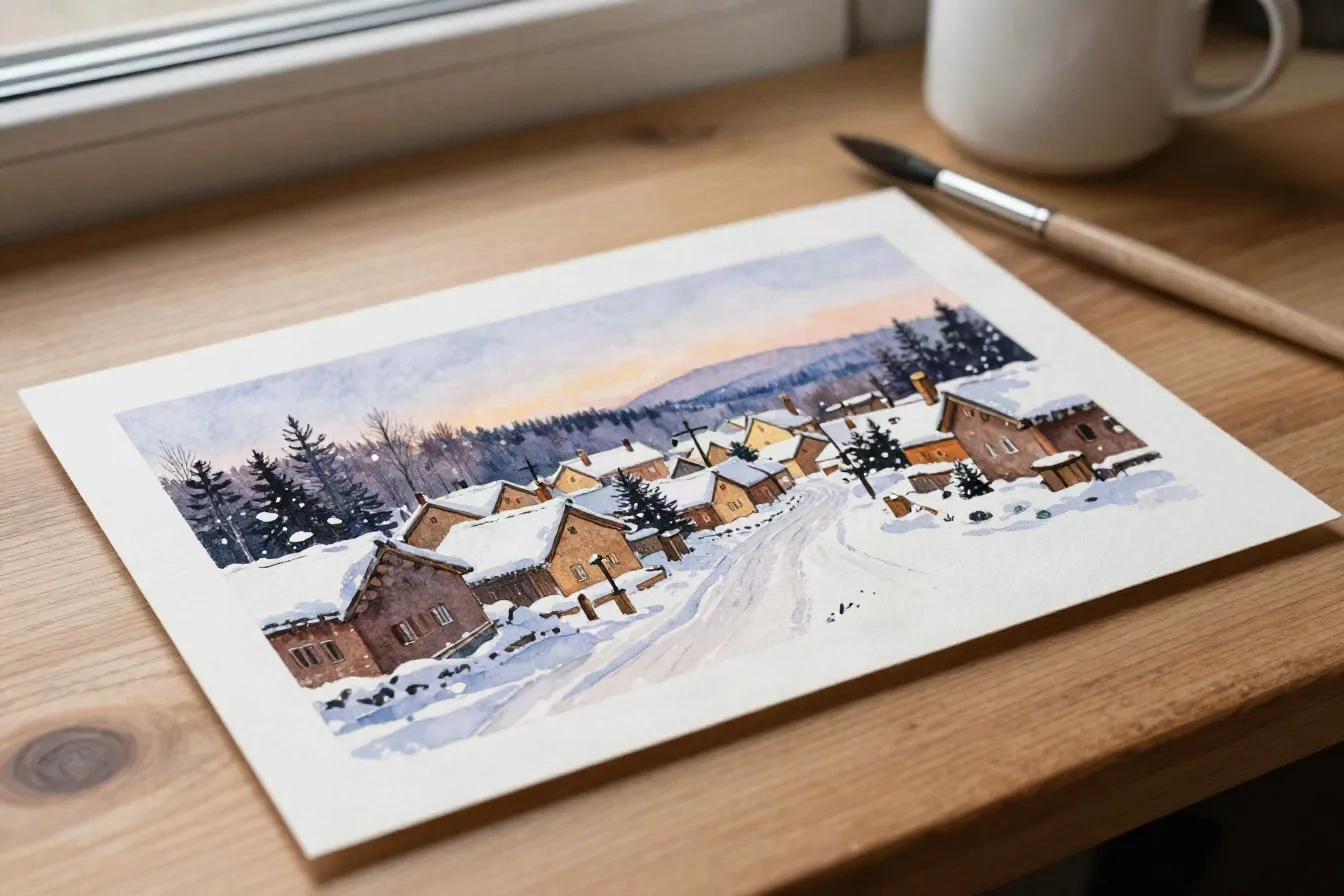
Watercolor is the style most people start with, and it is easy to see why. Soft edges, pale washes of blue and violet in the sky, snow left as bare paper. A snowy street or a family at the edge of a field comes out closer to a painting from a sketchbook than a photo with a filter on it. It works best on photos with a plain-ish background and faces that are well lit. Busy rooms and heavy patterns sometimes need a tighter crop before the model settles on what to paint.
- Soft edges and visible paper white
- Cool blues and violets in skies and shadows
- Best on simple backgrounds and clear faces
Vintage postcard for the 1950s mantel look
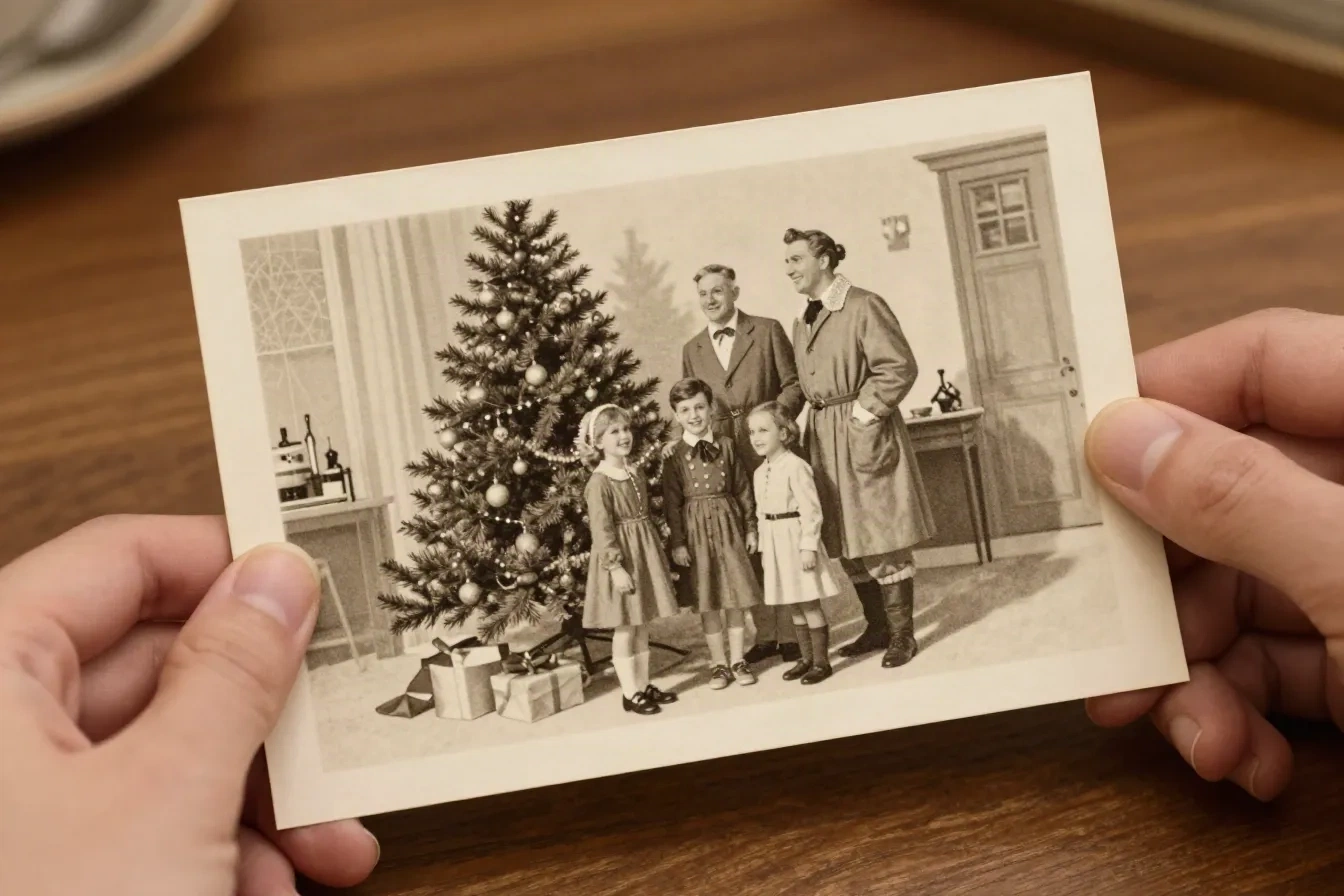
The vintage postcard style leans into sepia tone and the composition you would find on a mid-century card: figures grouped by a tree, a window behind, gifts on the floor. It is the closest to what the model learned from. If your family photo is a posed group by the tree, this style tends to read as the most convincing, because that is the picture it saw thousands of times in training. Print it on heavy cream stock and it looks like it came out of a drawer.
- Sepia tones and period composition
- Strongest on posed group photos
- Pairs well with cream or kraft stock
Oil pastel and paper-cut for a bolder wall print
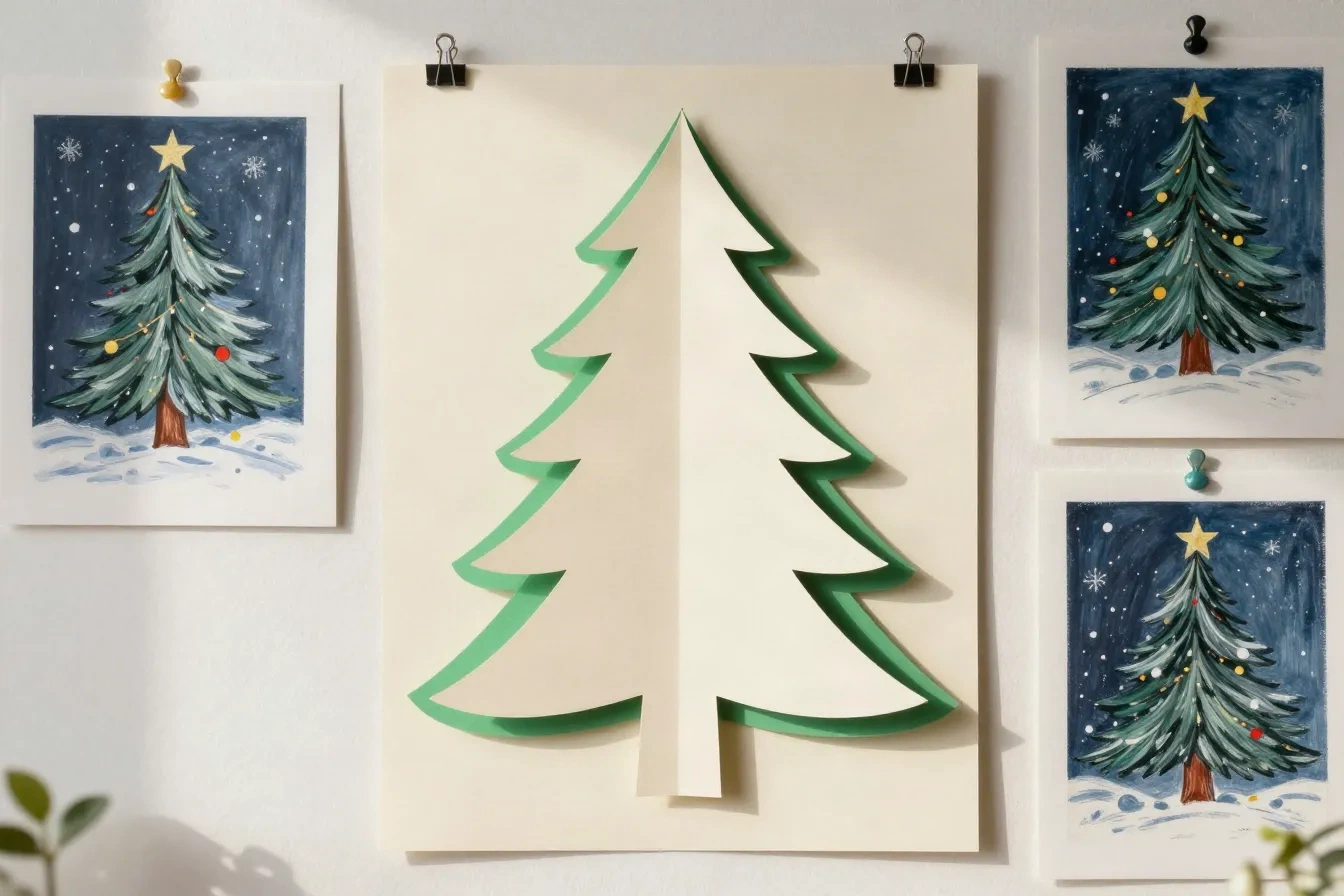
Oil pastel trades the softness of watercolor for texture and warmer, more saturated colour. Paper-cut drops photorealism altogether for a layered, illustrated silhouette, which suits a graphic print on a plain wall better than a family portrait. Neither is a filter. The model repaints the scene in that style, so the same photo gives you four genuinely different results. Preview all four before you decide, since it costs nothing and the differences are bigger than you expect.
- Oil pastel: grainy, warm, saturated
- Paper-cut: layered shapes, no photorealism
- Preview all four on the same photo
From photo to print in four steps
The style you pick in step two is the style that prints in step four, so you see the real result before you order.
-
1
Upload a family photo
A clean phone photo is enough. Faces with a plain background render best. Glasses and busy rooms sometimes need a tighter crop.
-
2
Pick a painted style
Watercolor, oil pastel, vintage postcard, or paper-cut. Each preview updates on your actual photo.
-
3
Preview and add your message
See the print-ready layout in about 30 seconds. Edit the message, swap the style, or start over at no cost.
-
4
Print it yourself or order from Portland
Download the PDF, or have copies on 300gsm stock shipped in about 6 days.
Painted card generator vs. general poster tools
A general AI poster tool and this generator solve different problems. Here is the honest split, so you pick the one that fits.
| Compare | This generator | General AI poster tools |
|---|---|---|
| Best for | Painted holiday art from your own photo | Event flyers, sale banners, text-heavy posters |
| Starting point | Your family photo | A text prompt or a layout template |
| Text and layout | A short message on a card | Headline typography and layout control |
| Output | Print-ready PDF in card format, or printed copies | Large-format files, depending on the tool |
| Look | Watercolor, oil pastel, vintage postcard, paper-cut | Wide range, often photographic or graphic |
| Price | About $3 per printed card, free preview | Varies by tool and plan |
Questions people actually asked us
Is this a general AI poster generator?
Can I hang the result on a wall like a poster?
What styles can the generator paint?
How long does it take to get a result?
Do I need an account to try it?
What does it cost?
Does it work if someone in the photo wears glasses?
Can I print the PDF at home?
Paint your holiday photo today
Upload a photo and preview the result in about 30 seconds. No account needed to try it.