Summary
This ai background changer picker ranks six Christmas scenes for your family photo. Answer six questions about clothing color, light, group size, painted style and message space. You get a scored shortlist, one scene to skip, and a ready prompt to paste into any background changer. It runs in your browser and no photo is uploaded.
Pick the right background for your Christmas card photo
Answer six questions about your photo. Get a ranked shortlist of backgrounds and a prompt to paste into any AI background changer. Nothing is uploaded.
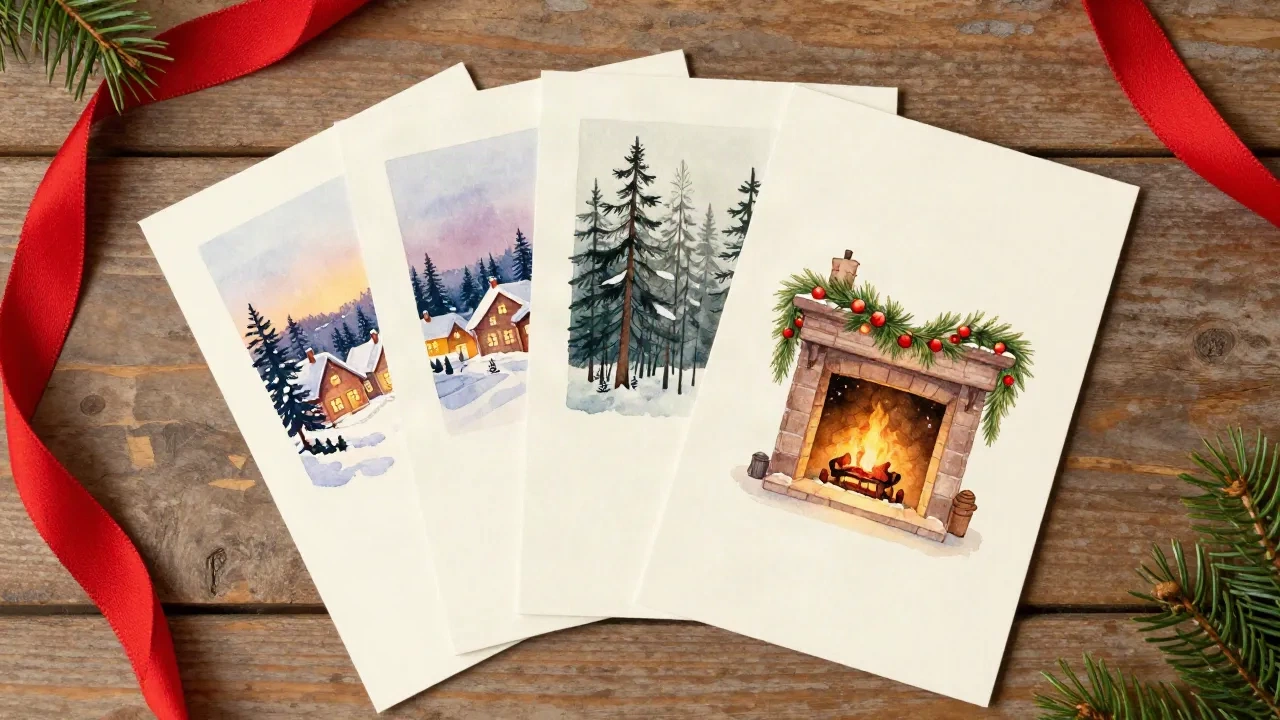
What goes into each score
Clothing against background
Red sweaters vanish into a red-lit fireplace and pop against pine green. Navy disappears into a night sky. We score each of the six scenes against the color you are actually wearing.
Light and scene temperature
A background lit warm will look pasted on if the faces are lit cool. We reward scenes whose color temperature matches your photo and mark down the ones that fight it. Direct flash gets extra caution, because its shadows are hard to hide.
Detail, group size and message space
Busy scenes like a decorated mantel swallow a group of six and compete with printed text. Calm scenes carry big families and leave a clean strip for your message. The picker weighs all three.
What a background has to survive in print
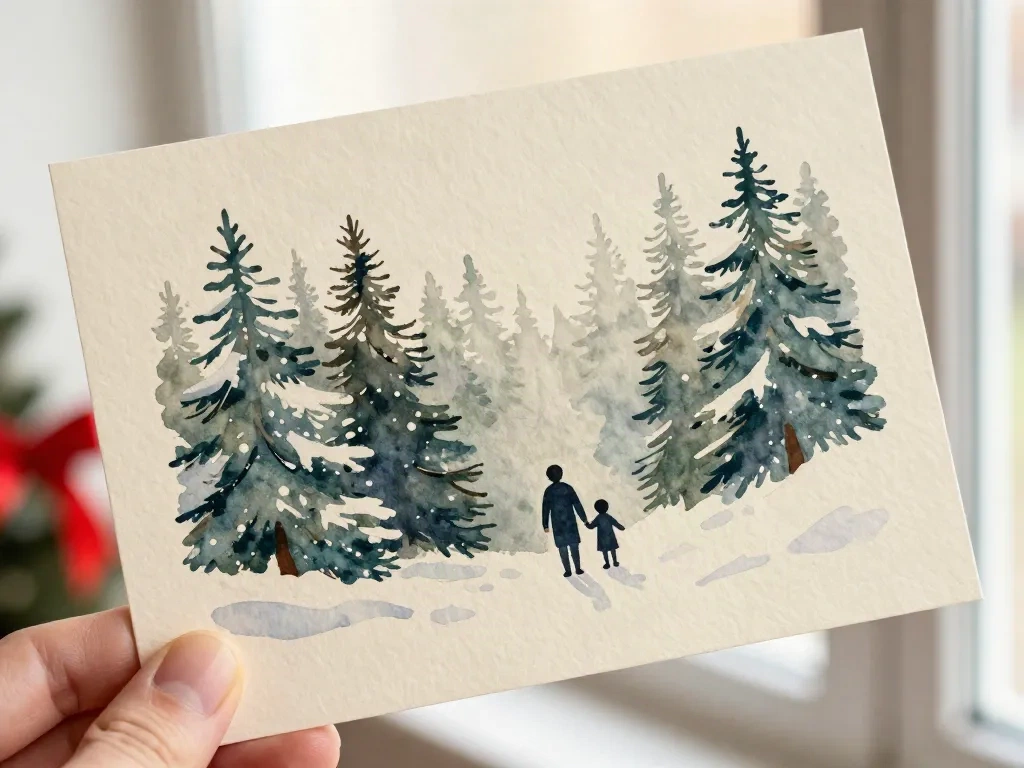
Here's the thing about paper: it is less forgiving than a screen in some ways and more forgiving in others. On 300gsm matte stock, a soft watercolor edge looks deliberate. A hard cut-out edge with a pale halo looks like a mistake. Dark, saturated backgrounds also gain a little density on press, so a night sky that looks right on your phone can print a shade heavier. That is why the picker leans toward scenes with air in them.
- Soft edges read as painted, hard edges read as pasted
- Dark scenes print heavier than they look on screen
- Leave one calm strip for the message
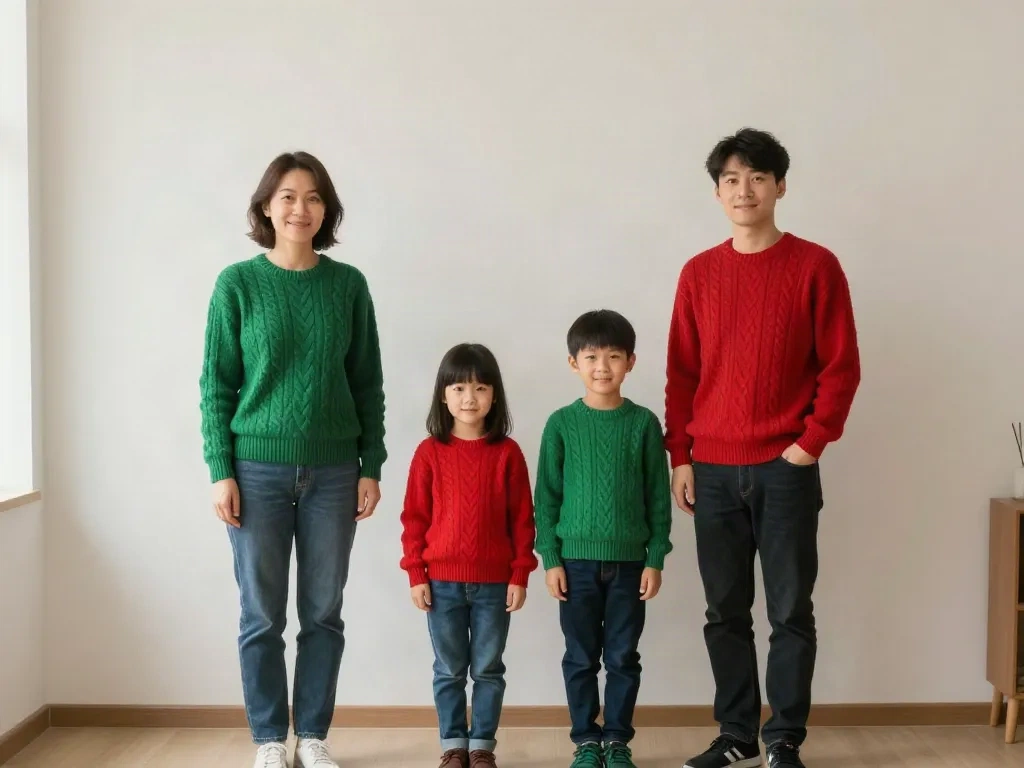
The source photo that swaps cleanly
The family below is a good starting point: plain wall, even window light, everyone in focus, a little air between shoulders. The background changer can find every edge, and the lighting on the faces is neutral enough to sit in any scene on the list. If your photo looks like this, expect the top pick to work on the first try. If it was shot under a ceiling light or with the flash on, expect to adjust.
- Plain wall or backdrop behind the group
- Soft daylight from one side, no flash
- Full bodies visible with space around them
From photo to painted card in four moves
-
1
Shoot with the swap in mind
Stand the group in one line against a plain wall near a window. Turn the flash off.
-
2
Run the picker
Answer the six questions honestly. Note the top pick and the one it tells you to skip.
-
3
Paste the prompt
Copy the generated prompt into the AI background changer you prefer and run it.
-
4
Check the edges at 100 percent
Zoom in on hair, glasses and shoulders. If you see a pale fringe, retry or retake before choosing a painted style.
What people ask before they try it
Is this an AI background changer itself?
Does my photo get uploaded anywhere?
Where do the scores come from?
Why does the cream paper wash win so often?
Will glasses and curly hair survive a background swap?
What size should the source photo be?
Can I use this for cards that are not Christmas cards?
Ready to see it painted?
Pick a style, add your message and get a print-ready 5 by 7 card from our Portland studio.