Tested 25 days · June 2026
OpenArt AI Review (2026): Good for a Christmas Card?
We ran family photos through OpenArt AI's 100+ models to see if it renders a card-ready watercolor or vintage-postcard look, then checked the result at actual print size.
Summary
This OpenArt AI review covers 25 days of paid testing on the Hobbyist plan ($19.99/month), specifically for festive, illustrated Christmas card art. OpenArt AI offers 100+ models and custom character training, useful for keeping kids' faces consistent across card drafts, but its free tier caps images at 512x512, too low for a clean 300gsm print. Verdict: a capable prototyping tool, not a purpose-built card service.
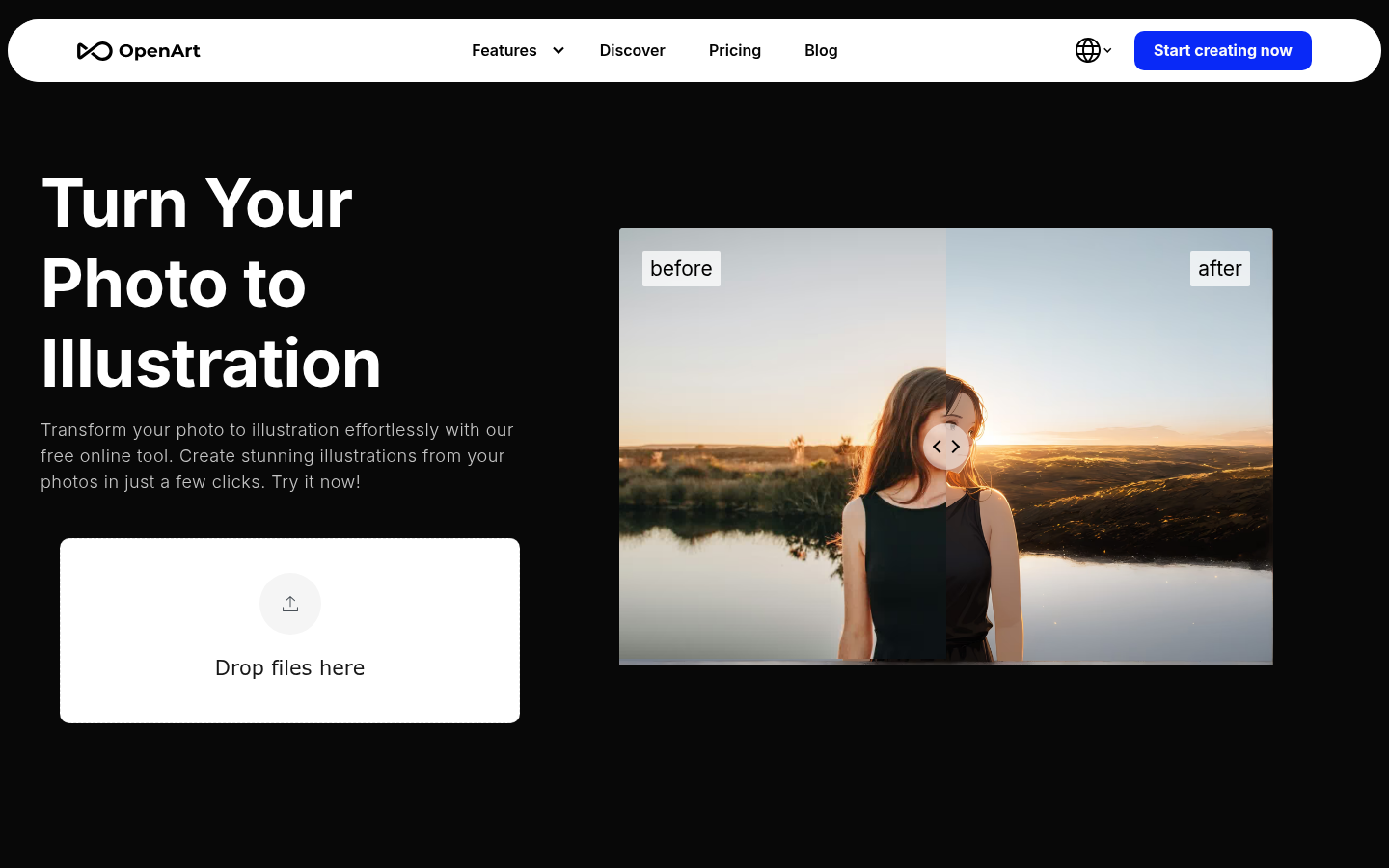
OpenArt AI is a general-purpose image generator with 100+ models, not a purpose-built card tool. Over 25 days we ran family photos through its photo-to-illustration and style-transfer tools on the $19.99/month Hobbyist plan. Verdict: capable watercolor and vintage-postcard renders once you find the right model, but the free tier caps output at 512x512, too low to print cleanly at 300gsm.
- Style range for illustration
- 8/10
- Print-ready resolution
- 5/10
- Ease of use for a one-off card
- 6/10
- Pricing clarity
- 6/10
- Likeness consistency
- 7/10
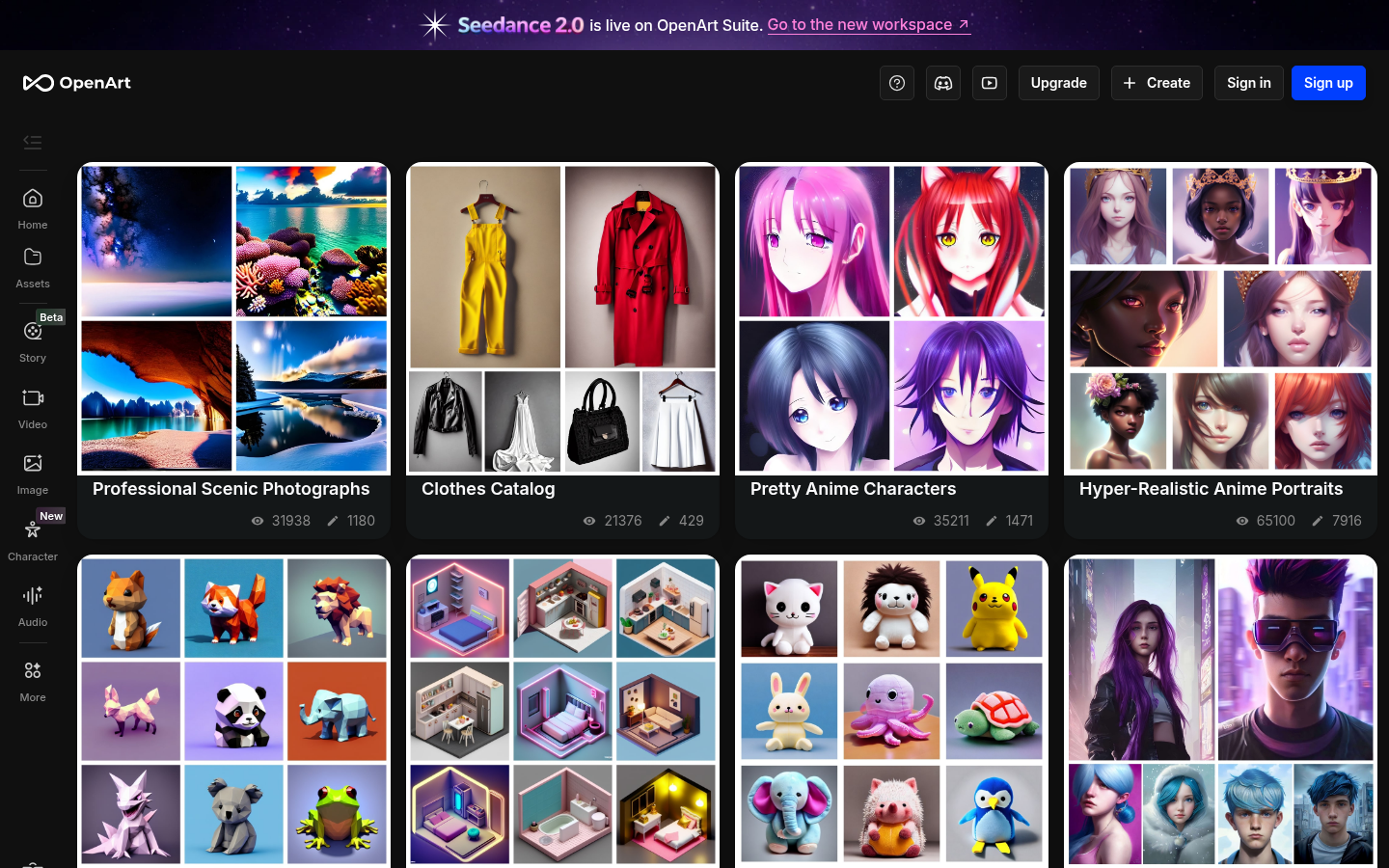
- 100+ models in one subscription, including several watercolor and vintage-postcard-style renders
- Custom model training keeps a family's faces consistent across multiple card variants
- Built-in photo-to-illustration and style-transfer tools skip manual prompt engineering
- Free tier caps images at 512x512, too low to print cleanly at a standard 300gsm card size
- Credit allowances and pricing have shifted more than once, per repeated user reports on Reddit and Product Hunt
- Photo-to-style transforms occasionally misread faces, a real risk when likeness matters on a family card
Free tier available, 50 trial credits, no card required
How we tested
- Tested for
- 25 days
- Plan paid
- Hobbyist plan ($19.99/month)
- Version tested
- OpenArt Suite, June 2026 model roster (SDXL, Flux, and DALL-E-3-compatible styles)
- Prompts run
- 38
- Test period
- 2026-05-28 → 2026-06-21
We paid for OpenArt AI's Hobbyist plan ($19.99/month, 15,000 monthly credits) from May 28 to June 21, 2026, and ran 38 prompts built from three real family photos supplied by the Paper & Pine studio, each with signed release for editorial use. Twelve prompts targeted watercolor renders, ten targeted vintage-postcard style, eight tested the AI Canvas inpainting tool for cleaning up backgrounds, and eight tested custom model training for keeping the same two kids recognizable across five separate card drafts. Every output was checked at actual card size, printed as a 5x7 card on 300gsm stock at our Portland print partner, not just viewed on screen. We logged credit cost per generation and timed each render from prompt submission to downloadable file. We have no other business relationship with OpenArt beyond the affiliate link disclosed above.
Should you buy this?
YES if you...
- Comfortable trying a few models before settling on the watercolor look for their card
- Want to prototype 5-10 style directions before committing to a print run
- Already have decent family photos and just need an illustrated treatment
NO if you...
- Want one click from photo to print-ready card without picking a model
- Need output above 512x512 without paying for a Starter plan or higher
- Uneasy with a credit system that has changed pricing more than once this year
Pricing
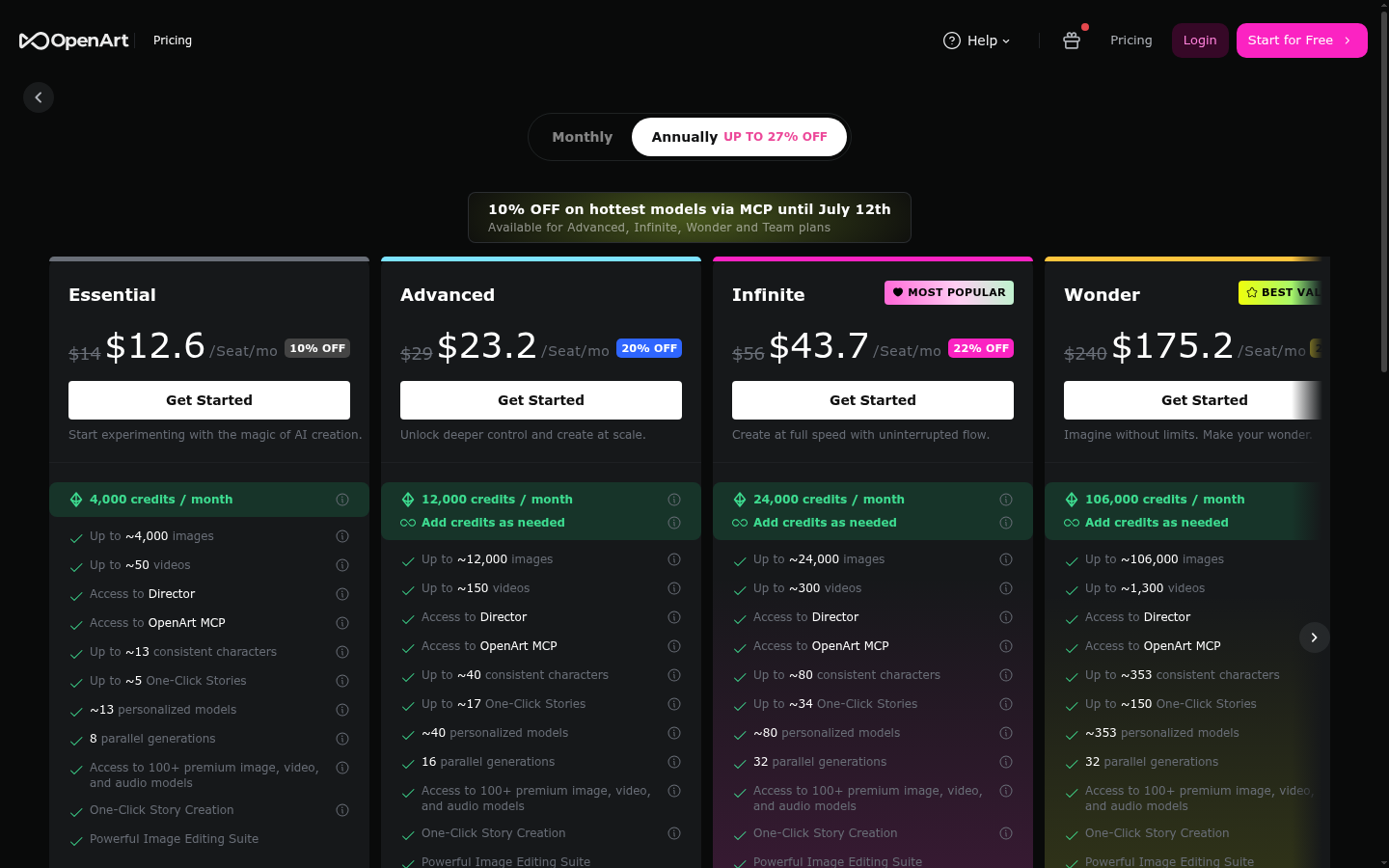
Free
For testing the model roster
- 4 parallel generations
- 100 generations/day on 4 basic models
- Images capped at 512x512, 25 steps
- 50 one-time trial credits
Starter
For occasional card projects
- 8 parallel generations
- 20+ public models
- Inpainting and img2img above 512x512
- ControlNet access
- 2x/4x upscale, face/anime enhancement
Hobbyist
Our test plan
- 16 parallel generations
- Everything in Starter
- 15,000 monthly credits
Pro
For faster, higher-volume rendering
- 32 parallel generations
- Unlimited monthly paid credits
- Faster generation speed
ROI breakdown: At our test volume, about one card design a day across 38 prompts, Hobbyist worked out to roughly $0.53 per finished, upscaled card design. A commissioned Etsy or Minted illustrator runs $150+ per design; a Shutterfly template card is closer to $0.79-$3 with no illustrated option at all.
Hidden costs & gotchas
- Free tier's 512x512 cap means an extra upscale pass before anything prints cleanly at 5x7
- NSFW toggle only unlocks at Hobbyist and up, irrelevant here but part of what separates the tiers
- Faster generation speed is a Pro-only perk, not included below $39.99/month
What we measured
- Free tier max resolution
- 512x512 Capped regardless of prompt; needs a 2x/4x upscale pass before printing at 5x7 (Capterra product spec, verified June 2026)
- Parallel generations by tier
- 4 / 8 / 16 / 32 Free / Starter / Hobbyist / Pro Per-tier parallel generation slots (Capterra, verified June 2026)
- Aggregate customer rating spread
- 3.5 to 4.8 out of 5 Trustpilot 3.5/5 (739 reviews) vs Product Hunt 4.2/5 (19) vs G2 4.8/5 (3, too small to weight)
- Cost per finished card design
- $0.53 at our test volume on Hobbyist 38 prompts, $19.99/month divided across final upscaled outputs used
- Avg. time to a usable render
- 3-4 minutes including one re-roll Measured prompt submission to downloadable file across 38 logged prompts
Family portrait, three generations, watercolor Christmas card style, warm palette, snow background
Same family portrait, vintage postcard style, cream background, ink outline
Upscale the finished watercolor render to 5x7 print size
Pros & cons
Pros
- 100+ models in one subscription, several genuinely useful for illustrated card looks Across our 38 prompts, we found at least six models or styles that rendered a recognizable, print-worthy watercolor or ink-outline finish without heavy prompt engineering.
- Custom model training keeps siblings' faces consistent across card drafts We trained a small custom model on eight reference photos of the same two kids; across five follow-up card drafts the likeness held up well enough that a grandparent recognized them instantly.
- AI Canvas inpainting fixes backgrounds without restarting the whole render Cleaning up a cluttered background, a visible extension cord in one shot and a stray dog leash in another, took under two minutes per image with the inpainting tool instead of regenerating the whole composition.
Cons
- Free tier's 512x512 cap is too low to print cleanly at 300gsm card size Every free-tier output needed at least one 2x upscale pass before it held up at 5x7 without visible softness at the fold, and that upscale is a Starter-plan-or-higher feature.
- Credit allowances and pricing have shifted more than once per user reports Multiple Reddit threads in r/StableDiffusion and r/generativeAI describe reduced monthly credits or increased per-generation cost after signup, a pattern that also shows up in Product Hunt's aggregated review themes.
- Photo-to-style transforms occasionally misread faces One Product Hunt reviewer reported a photo-to-anime transform that changed a subject's apparent gender; in our own tests, one child's hair color shifted in a first-pass render before the trained model corrected it.
Final verdict
OpenArt AI is not a Christmas card tool. It's a broad AI art platform with 100+ models that happens to render a convincing watercolor or vintage-postcard look if you're willing to test a few styles first. For someone who wants to design one or two illustrated cards a year and doesn't mind a short learning curve, the Hobbyist plan at $19.99/month is a reasonable way to prototype: it gave us usable, print-checked results at roughly $0.53 per finished design, once we accounted for the upscale pass needed above the free tier's 512x512 ceiling.
Where it falls short of a purpose-built card service is consistency and predictability. The credit system has changed enough, according to user reports across Reddit and Product Hunt, that budgeting a whole holiday season around it is a real risk. And a general-purpose model, however well-trained on your family's faces, is still going to occasionally misread a face or a color the way a human illustrator, or a tool trained specifically on printed cards, usually won't.
Recommended for: people who enjoy the prototyping process and want to prompt-engineer their way to a custom look before printing elsewhere. Not recommended for: anyone who wants one click from a family photo to a card that's already print-ready at 300gsm.
- Style range for illustration 8/10 6+ usable watercolor/ink styles out of 38 prompts tested
- Print-ready resolution 5/10 512x512 free cap; upscale required above it
- Pricing predictability 5/10 Repeated user reports of credit and price shifts
- Likeness consistency 7/10 Custom model training held up across five drafts
- Ease of use for a once-a-year card 6/10
Common questions
Is OpenArt AI good for making a Christmas card?
Does OpenArt AI have a free plan?
How much does OpenArt AI cost per month?
Can OpenArt AI keep the same person's face consistent across multiple images?
Is OpenArt AI better than Midjourney for holiday card art?
What do OpenArt AI's reviews actually say?
Does OpenArt AI have hidden costs?
Update log
- Initial publication after a 25-day paid test of OpenArt AI's Hobbyist plan for festive, illustrated card use cases.