Ecommerce Product Photography Without a Studio
Turn one product photo into a full shoot: packshots, lifestyle scenes, and video, without booking a studio or shipping samples.
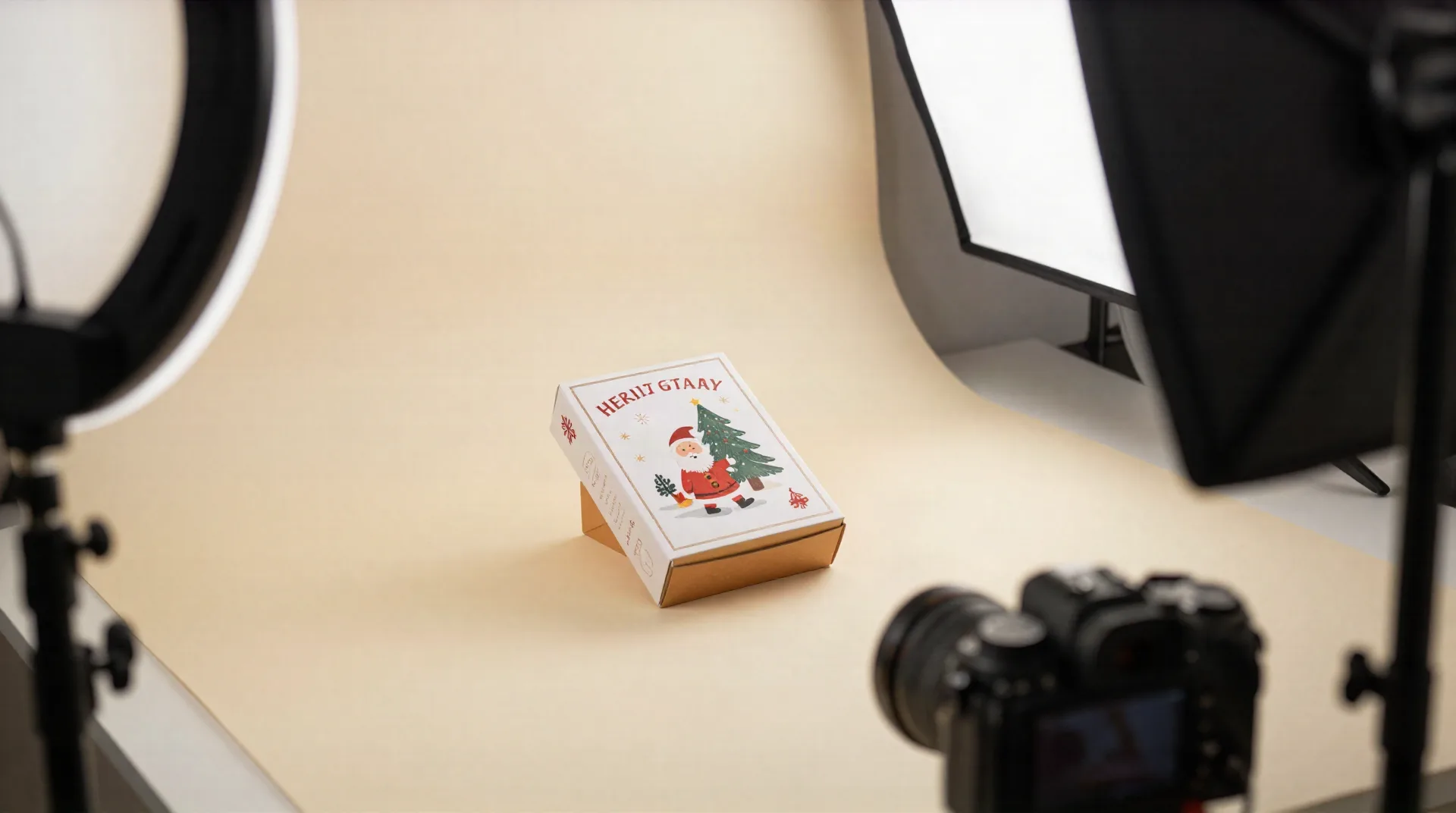
What actually changes when you shoot with Klayn
Ecommerce product photography built around one problem: a catalogue, not a single hero shot.
Reusable AI mannequins
Define a model once and Klayn applies it across your whole collection, so product twelve looks like it came from the same shoot as product one.
A pose library, or your own
Pull from Klayn's pose set or import reference photos so every shot matches the angle your listings actually need.
Virtual sets that hold up
Backdrops and props stay the same across a seasonal collection instead of shifting with every new generation.
Direction you control
Lighting, color, mood: describe the shoot you want instead of accepting whatever the default setup gives you.
Retouching built in
Resize, upscale, retouch, and generate variations inside Klayn. No separate editing software in the loop.
No studio, no shipped samples
One product photo becomes packshots, lifestyle scenes, and short video, without renting space or mailing inventory to a photographer.
From one photo to a full shoot
Three steps, and the direction you set on step two carries across every product you add after.
-
1
Upload one product photo
A clean phone photo is enough to start. No professional camera or lighting kit required.
-
2
Set the direction once
Choose a mannequin, a pose, a set, and a lighting mood. Klayn reuses this direction across the whole collection.
-
3
Get a full shoot back
Packshots, lifestyle scenes, and short video variations come back in the same visual language, ready for listings and ads.
Lifestyle shots for a listing or an ad, from one photo
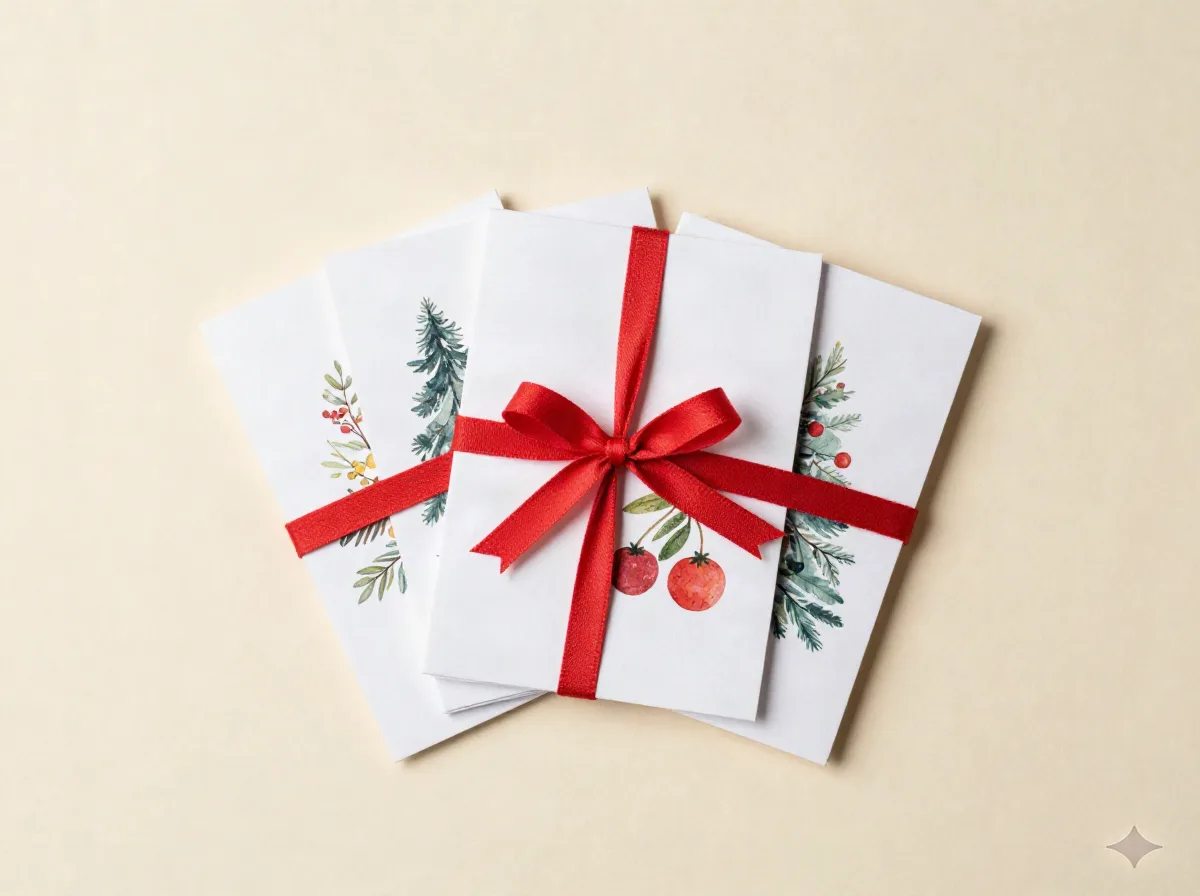
A single product photo is rarely enough. A marketplace listing wants a clean packshot, a paid social ad wants a lifestyle scene, and a product page wants both plus a short video. Reshooting for each channel is where most sellers lose a weekend, or a budget. Klayn generates the set from the same source photo and the same artistic direction, so a lifestyle scene for an Instagram Reel and a packshot for an Etsy listing still look like they belong to the same brand.
- One product photo in, a full set of shots out
- Reuse the same shoot for listings, ads, and social
- No samples shipped to a photographer or studio
A large collection that still looks like one shoot
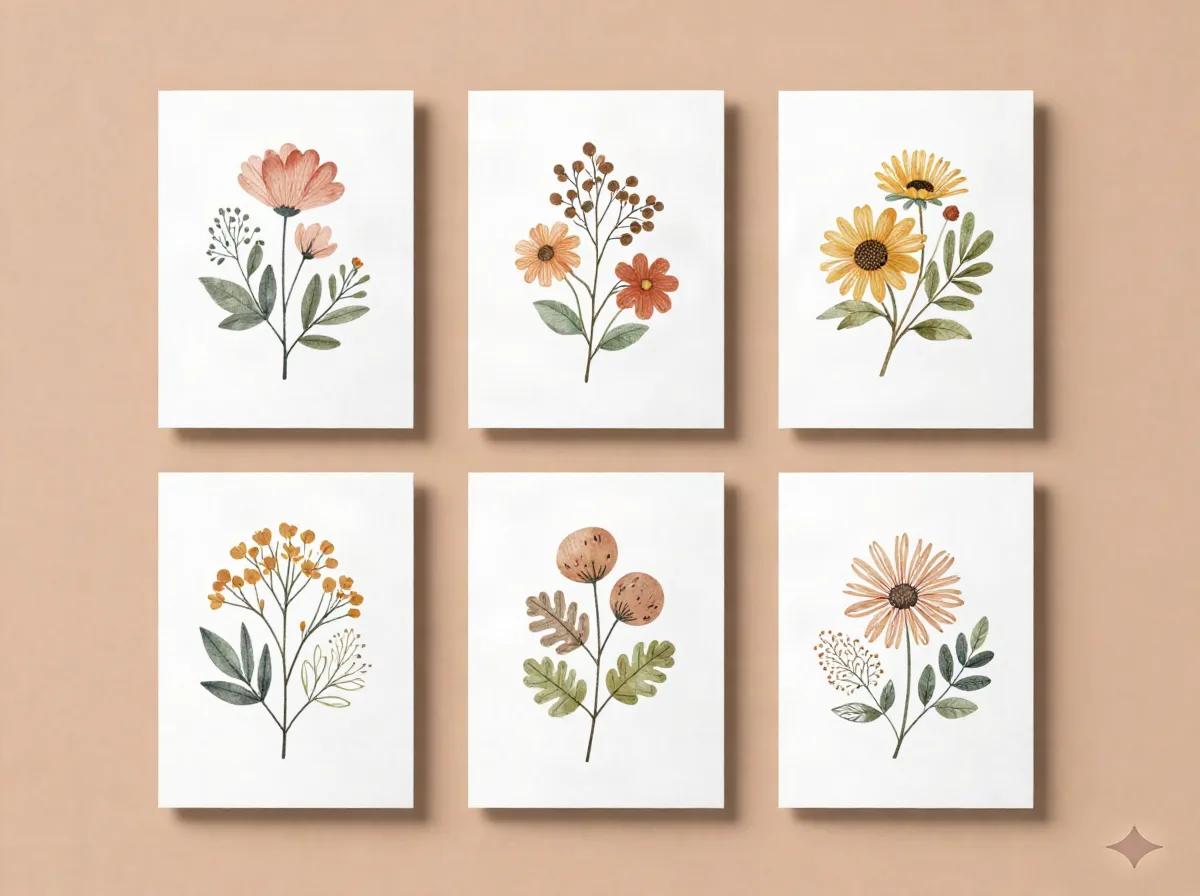
This is the part that breaks a DIY setup fastest. A seller with forty card designs, or a hundred SKUs across a season, can shoot each one individually and still end up with a catalogue that looks stitched together: different backgrounds, different light, different angles from one listing to the next. Klayn's reusable mannequins and virtual sets are built for exactly this problem. Set the direction once and every new design added to the line inherits it, instead of starting from a blank shoot.
- Same mannequin, set, and lighting reused on every SKU
- Update the whole collection in one pass each season
- Add a new variant without booking a new shoot
Klayn vs. a studio photographer vs. DIY phone photos
None of these are wrong. They fit different stages of a catalogue.
| Factor | Klayn | Studio photographer | DIY phone photos |
|---|---|---|---|
| Turnaround | Same day, no booking | Days to weeks, scheduled | Same day, uneven results |
| Samples required | No, one photo starts a shoot | Yes, shipped or delivered in person | No |
| Consistency across SKUs | Same mannequin, set, and lighting reused | Depends on the photographer's notes | Rarely consistent shot to shot |
| Lifestyle scenes and video | Included in the same shoot | Extra cost, usually a separate booking | Manual, time-consuming |
| Cost to start | First shoot free, no card required | Day rate plus samples and shipping | Free, but the time adds up |
Questions sellers actually ask before switching
Does AI product photography actually look real, or obviously generated?
Can I keep the same background and mannequin across a whole collection?
What does ecommerce product photography with Klayn actually cost?
Do I need to ship a physical sample of my product?
Will this work for a marketplace listing that requires a plain background?
What's the difference between this and a generic AI image generator?
Who is this actually built for?
Try Klayn on your next product shoot
The first shoot is free and doesn't need a card. See if the consistency holds across your own collection before committing to anything.