Photoshoot AI for the holiday products you already make
Turn one product photo into a full catalog of studio and lifestyle shots. No studio, no photographer, no waiting on a printer to see how it looks.
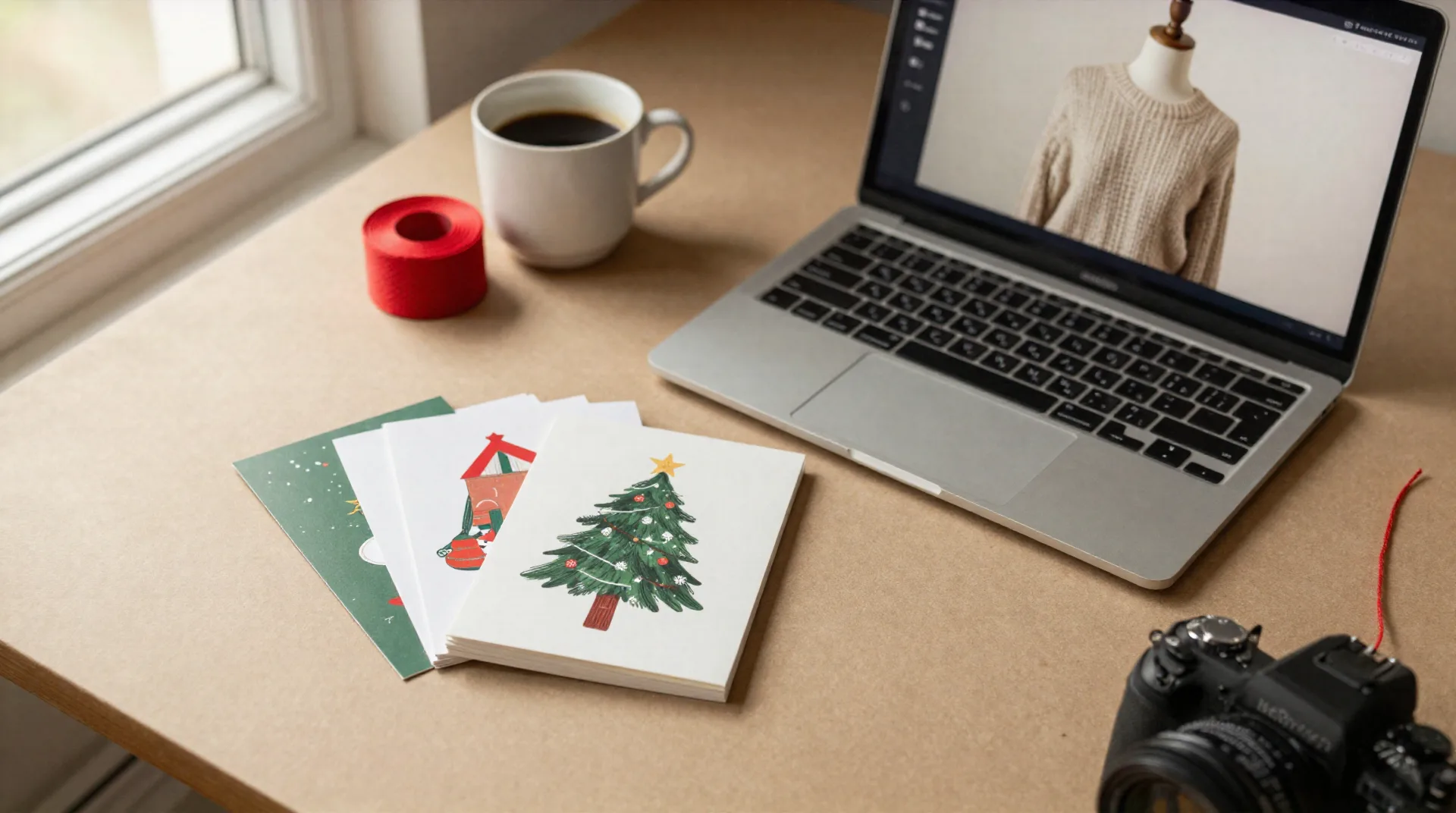
Four things every seasonal seller runs into
You'll notice the difference the first time you don't have to reschedule a shoot around the weather.
One photo in, a full shoot out
Upload a single product shot. Klayn generates packshots, lifestyle scenes, and virtual sets from it, consistent across your whole line.
Same model, same set, every time
Custom AI mannequins stay identical across a collection, so your shop doesn't look like twelve different photographers worked on it.
Ready before your print run
No booking a photographer three weeks out. A new listing photo is ready in the time it takes the coffee to cool.
First shoot costs nothing
Test it on your best-selling item before you commit a cent. No card required to see the output.
From one product photo to a full catalog
Three steps. No studio rental, no shipping samples anywhere.
-
1
Upload your product
One clear photo of the sweater, tote, mug, or card set you already sell. That's the only input Klayn needs to start.
-
2
Set the mannequin and mood
Pick a reusable AI model and a virtual set once. Lighting, colors, and styling apply automatically to every future shoot for that line.
-
3
Export what you need
Packshots for the listing, lifestyle shots for social, short clips for Reels or TikTok. Retouch, resize, and upscale without leaving the tool.
Built for the seller who ships their own orders
Christmas Card Factory works with a lot of small studios who also sell wrapped gift sets, tote bags, and holiday knitwear alongside their cards. Etsy sellers keep telling us the same thing: the card is easy to shoot flat, but the sweater or the tote never looks as good online as it does in person. Klayn's mannequins hold the same fit and lighting across a whole product line, so a listing photographed in July still matches the one you add in November.
- No physical mannequin or studio rental
- Consistent lighting and styling across a full collection
- Works for apparel, tote bags, mugs, and packaged stationery
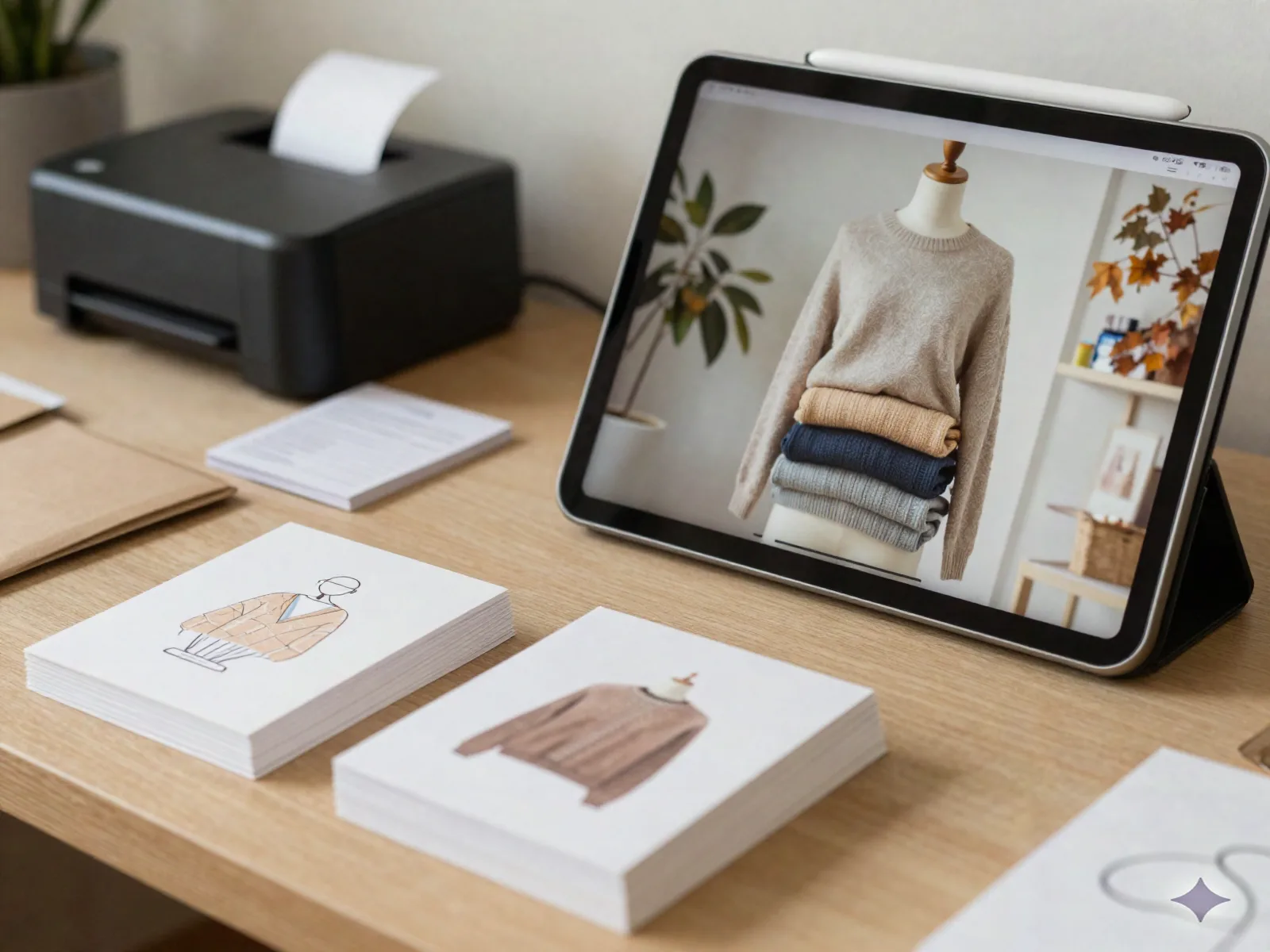
Marketplace merchants get the same consistency at scale
If you're listing on Amazon, Etsy, or eBay where image quality is most of what decides a click, reshooting a growing catalog by hand doesn't scale. Klayn's pose library and virtual sets carry the same brand direction across a hundred SKUs instead of two hundred isolated AI generations stitched together. Agencies producing Reels and TikTok content for multiple sellers use it the same way: define the look once, apply it to every new product that ships.
- Custom pose import from your own reference photos
- Built-in retouch, resize, and upscale, no external editing tool
- Short video generation from the same product set
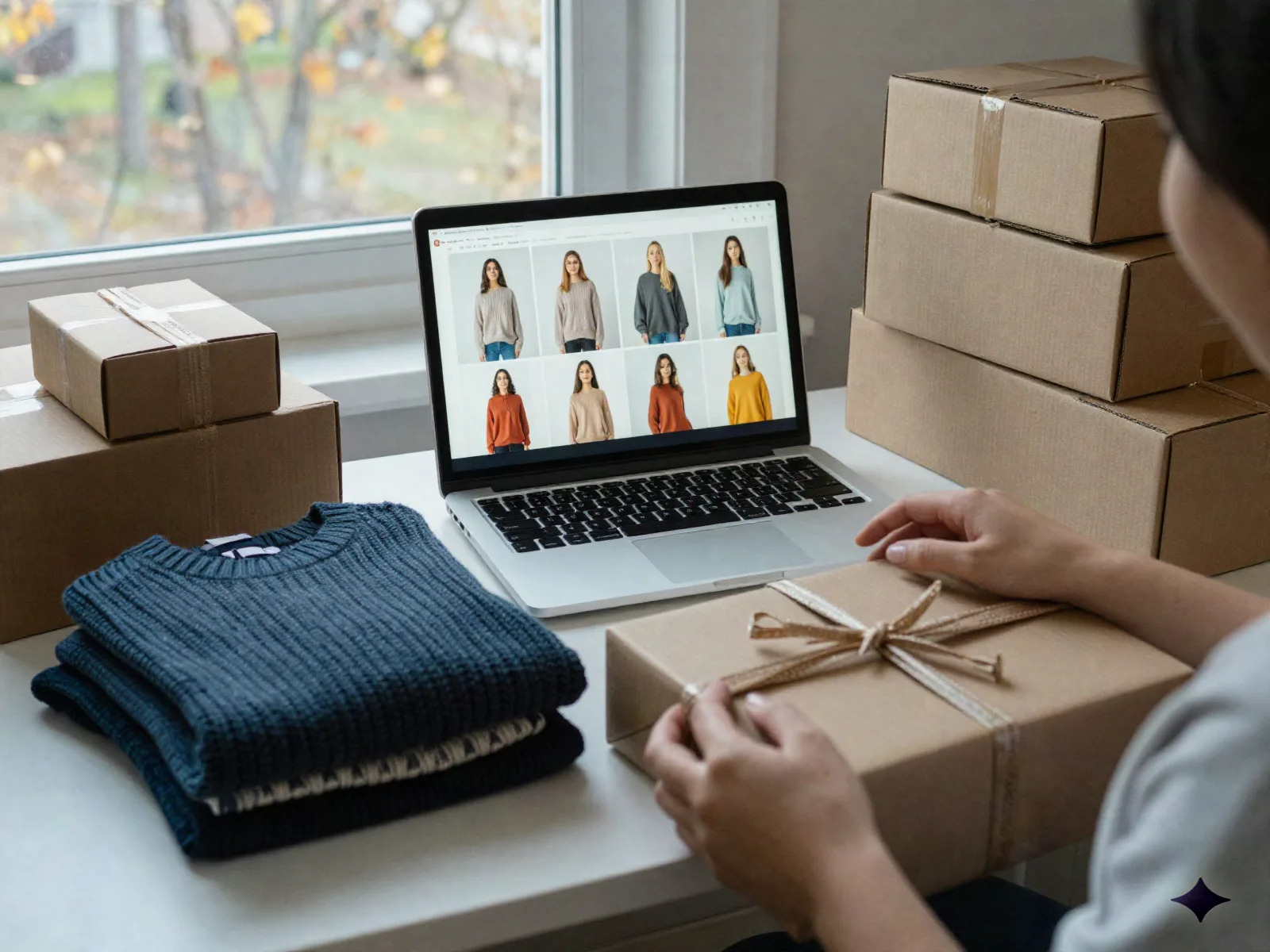
Small studios, real orders to ship
I sent 200 cards last December and I was still shooting my tote bag line the week before Black Friday. This cut that down to an afternoon, and every photo matched the one before it.
We list on three marketplaces and the mannequin consistency is what actually sold me. Same model, same lighting, whether it's SKU four or SKU ninety.
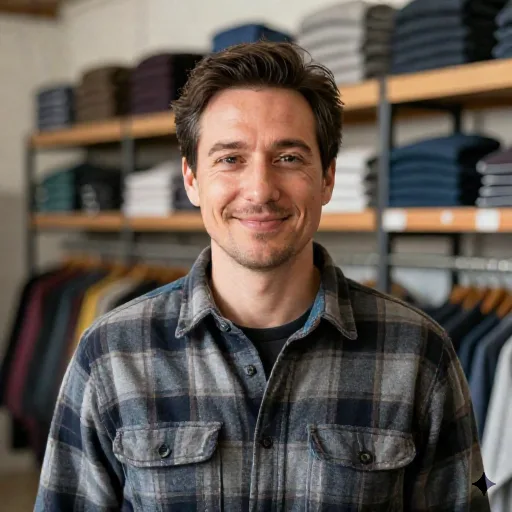
Start with your best-selling item, free
No credit card for the first shoot. Full pricing is quoted once you know what your catalog actually needs.
First shoot
for testing on one product
- One product, full shoot output
- Packshot and lifestyle scene
- No credit card required
Growing catalog
for sellers adding new SKUs regularly
- Reusable AI mannequins per collection
- Custom pose import
- Built-in retouch, resize, upscale
- Short video export
Agency / multi-brand
for agencies producing content for several sellers
- Multiple virtual sets and mannequins
- Brand-consistent direction across accounts
- Priority output for launch batches
What sellers ask before their first shoot
Do I need a real mannequin or studio to use this?
Will every photo look like a different AI generated it separately?
What kind of products does this actually work for?
Is the first shoot really free?
Can I use my own reference poses instead of the built-in library?
Does this replace my product photographer entirely?
Can I get video, not just photos?
See your product photographed before you commit to anything
First shoot is free, no card required. If it doesn't save you a trip to the studio, you've lost nothing.