Midjourney Aspect Ratio for Christmas Cards: What to Use
Summary
For a 5x7 Christmas card, the Midjourney aspect ratio is --ar 5:7; a 4x6 flat card is --ar 2:3, and a square card is 1:1. Midjourney rejects decimals, so a 4.25x5.5 inch A2 card becomes --ar 17:22. Add 0.125 inch of bleed per edge if your printer asks for it, render slightly taller than you need, upscale first, then crop to the trim size. At 1792x2688 pixels, a 2:3 render cropped to 5:7 still prints at roughly 358 ppi.
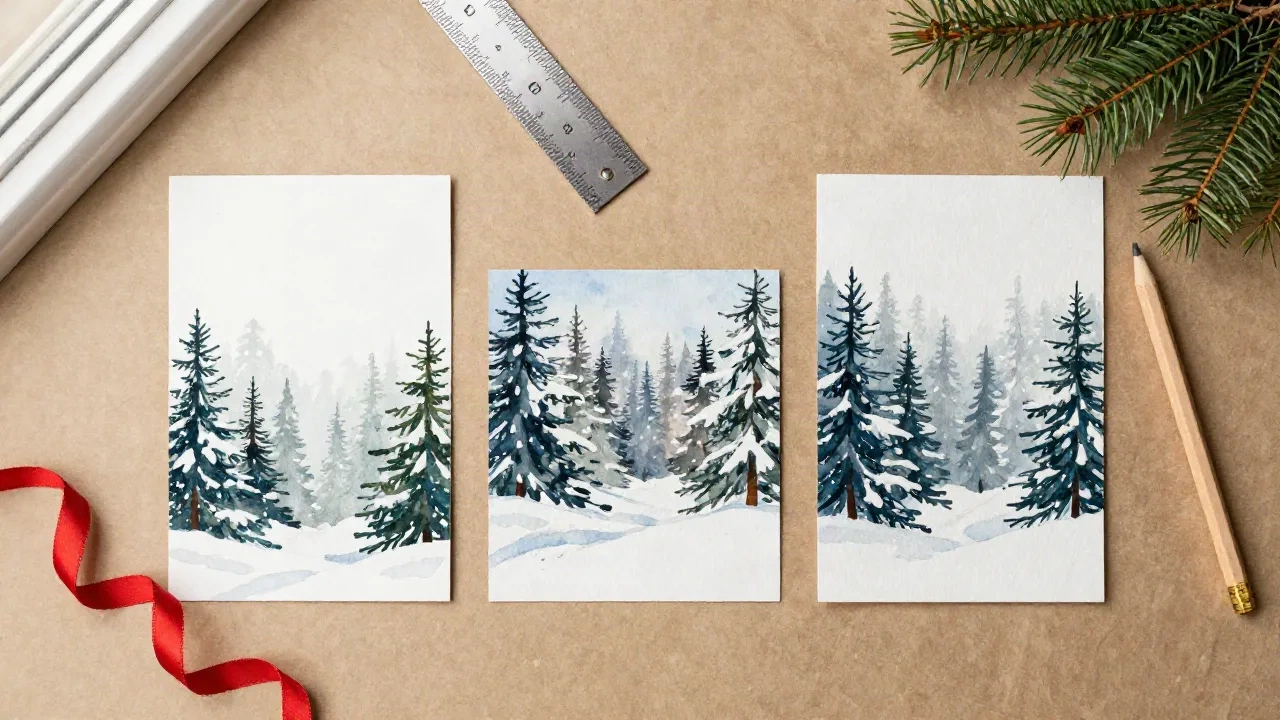
For a standard 5x7 Christmas card, the Midjourney aspect ratio you want is --ar 5:7. For a 4x6 flat card it is --ar 2:3, and for a square card it is the default --ar 1:1. Midjourney does not accept decimals, so a 4.25 by 5.5 inch A2 card becomes --ar 17:22. Type the ratio at the end of your prompt, after a space, and check the shape before you fall in love with the painting.
Here's the thing about paper: it has a fixed shape, and a card painted in the wrong one gets cropped by someone else's software. We would rather you choose the crop.
Which --ar value matches the card you are actually mailing?
Midjourney images start as squares, and the --ar parameter (or --aspect, same thing) changes the shape by comparing width to height. It takes two whole numbers separated by a colon, width first. The official aspect ratio documentation is short and worth reading once, mostly for the rule that decimals are not allowed: write 139:100, never 1.39:1.
Cards come in a handful of sizes. Here is how each one translates, with and without the 0.125 inch bleed that most print shops ask for on every edge.
5x7 portrait:
--ar 5:7trimmed,--ar 21:29with bleed.7x5 landscape:
--ar 7:5trimmed,--ar 29:21with bleed.4x6 flat card:
--ar 2:3trimmed,--ar 17:25with bleed.A2, 4.25x5.5 inches:
--ar 17:22trimmed,--ar 18:23with bleed.5x5 square:
--ar 1:1, with or without bleed.
The bleed numbers are the ones most people skip, and it is the one that saves a card. Printers trim after printing, and a blade never lands exactly where the proof says it will. If the painting stops dead at the trim line, a sliver of white shows up on one edge in a handful of cards. If it runs past the line by an eighth of an inch, nobody ever knows.
A quick note on 5x7: it is not a "nice" ratio for the model. It sits between 3:4 and 2:3, and Midjourney snaps its output to a 16 pixel grid, so the delivered shape drifts a fraction of a percent. On a mailed card that is invisible. We come back to it below.
Should you generate at the final ratio or crop afterwards?
Both work, and the choice depends on how much the composition matters.
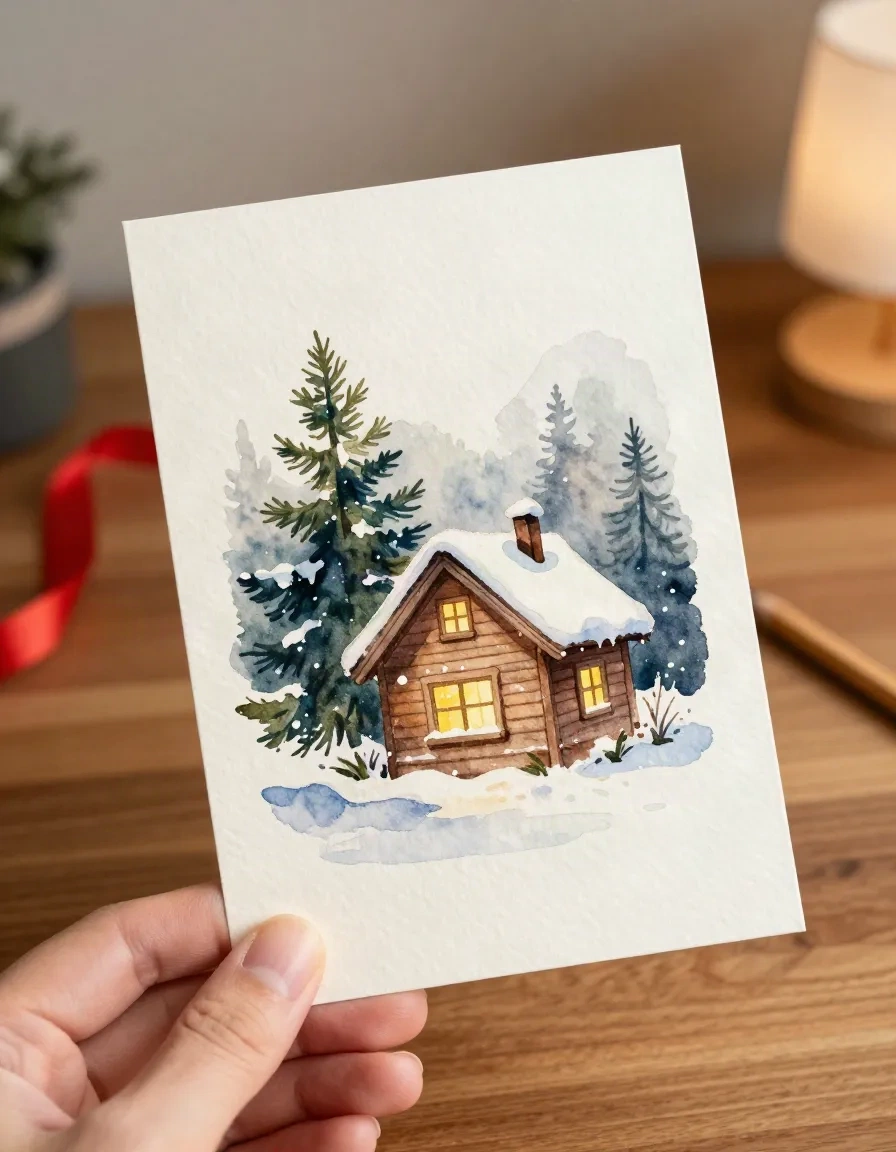
If the scene is simple, a cottage in snow or a row of spruces, ask for the exact ratio and be done. The model composes for the frame you give it, so a --ar 5:7 prompt puts the cottage where a 5:7 frame wants it. That is the main argument for typing the real ratio from the start.
If the scene has people, text areas or a horizon you care about, generate one step taller than you need and crop. A 2:3 render cropped to 5:7 loses about 6.7 percent of the height and nothing from the sides. You get room to move the crop up or down, which matters when a ridge line or a roofline sits close to the edge.
Our opinion: for a card with a reserved space for a handwritten greeting, always generate taller. Leave the bottom fifth of the frame quiet (snow, a table, plain sky) and tell the prompt so. "Open snow in the lower third" is a perfectly good prompt phrase, and it is far more reliable than trying to patch a crowded bottom edge after the fact.
Why your painted card comes back slightly off the ratio you asked for
Midjourney does not hand back exactly the shape you type. Prompt Architects' reference, checked against Midjourney's own docs in August 2026, points out that outputs sit on a 16 pixel grid, so 4:3 and 16:9 come back about 0.4 percent off. The ratios that survive intact are the ones whose reduced form already lands on that grid, and 1:1 and 2:3 do.
That makes 2:3 the safest portrait ratio for cards, and the one we reach for first. At the current V8.2 standard resolution a 2:3 image is 896 by 1344 pixels, and 1792 by 2688 once upscaled or in HD. Midjourney only publishes pixel sizes for a few ratios, so we cannot quote you a number for 5:7 or 17:22. The only honest answer for those is to run one test render and read the dimensions.
There is one more way to get the wrong shape without typing anything wrong. Midjourney lets you save a default aspect ratio in the settings panel next to the Imagine bar, and it applies to every future prompt that leaves --ar out. If you set 2:3 for last week's 4x6 cards and forgot, this week's square ornament tags will come back tall. When a ratio will not behave, check that panel before you rewrite the prompt. Also check which version you are running, since older models do not support every ratio. V6, V7 and V8.2 all take wide ranges, but the legacy V4 models are limited to 1:2 through 2:1, which would rule out nothing on this page and still catch people who copy old prompts.
None of this matters when you crop deliberately. It matters when you trust --ar 5:7 to deliver exactly 5:7 and drop the file into a fixed template. Plan to trim a few pixels. Do not plan on perfection.
How many pixels does a printed card really need?
Enough for roughly 300 pixels per inch at the trimmed size. A 5x7 card at 300 ppi wants 1500 by 2100 pixels, and a 4x6 wants 1200 by 1800.
Take the upscaled 2:3 image at 1792 by 2688 and crop it to 5:7. You keep 1792 pixels across and about 2509 down, which works out to roughly 358 ppi on a 5x7. That is comfortable. A plain standard-resolution 896 by 1344 render gives you about 180 ppi at 5x7, which looks fine on a phone and soft on 300gsm stock, where the paper shows every weak edge.
You will notice the difference at 300gsm. Watercolor washes in sky areas look smooth at both resolutions, but fine detail such as pine needles, window mullions and snowflakes turns mushy at 180 ppi. If the card is going to a print shop, upscale first, then crop.
Can you fix the shape after you have already made the image?
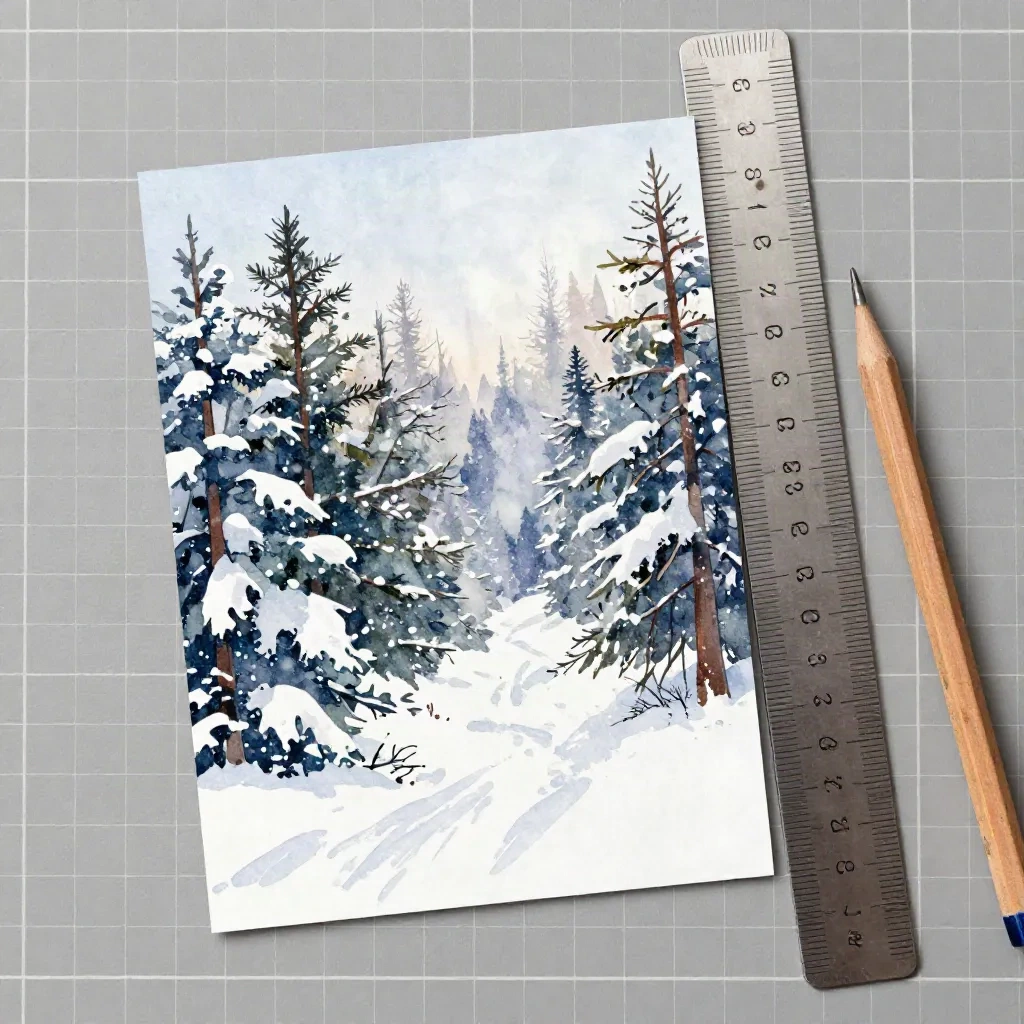
Yes, and it is more forgiving than people expect. Midjourney documents three routes, and all of them extend the canvas rather than crop it.
The Editor on midjourney.com has a Move / Resize panel with preset ratios and a custom ratio field. It is the only route where you can type an arbitrary shape like 5:7. Pan stretches the canvas in one direction and paints new sky or snow to match. Zoom Out with a custom zoom value of 1 changes the --ar without actually zooming, which is a neat trick when the subject is already right and only the frame is wrong.
One trap: panning, zooming out and varying a region on an HD image drop it back to standard resolution. If you are fixing framing, do it before the final upscale, not after. The painting looks fine on screen, and the softness only shows when the proof lands on your desk.
Extending a canvas also has an honest limit. The new area is generated, not recovered, so a person standing at the edge of the original frame can grow an extra arm. For family portraits, crop. For landscapes and cottages, extend.
Which ratios to skip for Christmas cards
Skip anything wider than about 3:1. Midjourney's documentation calls extremely wide and tall ratios experimental, and its version chart caps the range at 14:1, dropping to 4:1 when HD is on. That sounds generous, but a mailed card is never a panorama. A 14:1 render is a banner, not a card.
Skip --ar 16:9 for a card as well. It is a video shape, and trimming it to 7:5 throws away more than a fifth of the width. If you want a landscape card, ask for 7:5 or 4:3 and crop slightly.
Skip HD for the wide experiments too. With HD switched on, the documented ceiling falls from 14:1 to 4:1, so a long strip for a garland-style card that rendered fine in standard resolution can fail the moment you flip the toggle. For anything within card proportions this never comes up, which is one more reason to stay within card proportions.
Skip the habit of copying someone else's --ar from a prompt library. A prompt written for a book cover at 2:3 puts its subject in the center of a tall frame. Move it to a wide card and you get a lot of empty snow on both sides. The ratio is not a container you pour a prompt into. The prompt and the frame have to agree.
Worth the splurge: one set of test renders. Midjourney supports permutations, so a single line like snowy cottage, watercolor, quiet lower third --ar {1:1, 2:3, 5:7, 7:5} runs four jobs at once. Lay them side by side and the right shape picks itself.
What if you would rather not do the math at all?
Fair question. The ratio arithmetic is a one-time cost, but it is a real cost, and plenty of people mail twenty cards and never want to learn what 17:22 means.
Canva starts you from card templates at standard sizes, and Adobe Firefly lets you pick a shape from a menu instead of typing a ratio. Both trade control for convenience. If your real goal is a family photo painted in watercolor and printed on a card, a purpose-built tool skips the ratio question entirely.
Before you hit print
Run through this order and the card will come out the way you pictured it.
First, decide the finished size before you write the prompt. Second, convert it to a whole-number ratio, with bleed if the printer asks for it. Third, render taller than you need, leave the bottom fifth quiet, and upscale. Fourth, crop to the trim size, not the other way round. Fifth, print one proof on the actual stock. An eighth of an inch of paper tells you more than any screen.
We trained on the cards people kept, not the ones they threw away, and the ones people keep are almost never the ones with the clever crop. They are the ones where the picture sits comfortably in the frame, with room for a signature at the bottom. Get the ratio right, then get out of the way.