How to Sharpen Blurry Photos Before Printing Your Cards
Summary
To sharpen blurry photos for a Christmas card, first decide whether the blur is soft focus or motion blur. Soft focus responds well to Unsharp Mask or High Pass on a masked layer over the faces. Motion blur only improves a little. Upscale small files before sharpening, check at 100% for halos, and print a plain-paper test at 5x7 before ordering. If the likeness drifts with an AI tool, back off.
If you want to know how to sharpen blurry photos before they go on a Christmas card, start by sorting the blur into two piles: soft focus and motion blur. Soft focus responds well to sharpening in any editor. Motion blur only improves a little. Then work on a copy, sharpen last, zoom to 100% to check, and judge the result at the size the card will actually print, usually 5x7 inches at 300gsm.
Here's the thing about paper: it is far less forgiving than a phone screen. A photo that looks fine in a group chat can look mushy once it is inked onto cream stock. So the fix has to happen before you order, and it has to be honest about what a pixel can still give you.
First question: is it soft, or is it smeared?
Before touching a slider, look at the photo at 100% and find the sharpest edge in the frame, a collar, an eyelash, a pine needle.
If that edge is crisp but your subject is soft, you have a focus miss. The camera locked onto the wall behind the family, or the lens hunted in low light. The detail exists, it is just spread across a few pixels. Sharpening can pull a good part of it back.
If every edge has a direction, a ghost trailing the same way across the frame, you have blur from shake or movement. The detail was never recorded as a clean edge. Sharpening exaggerates the streak instead of removing it. This is the common case with kids by a tree and a slow indoor shutter, and it is why most "unblur" promises fall short in practice.
A third case sneaks in often: noise that looks like softness. Dim living-room shots at high ISO are grainy, and sharpening grain gives you sharper grain. Reduce noise first, lightly, then sharpen.
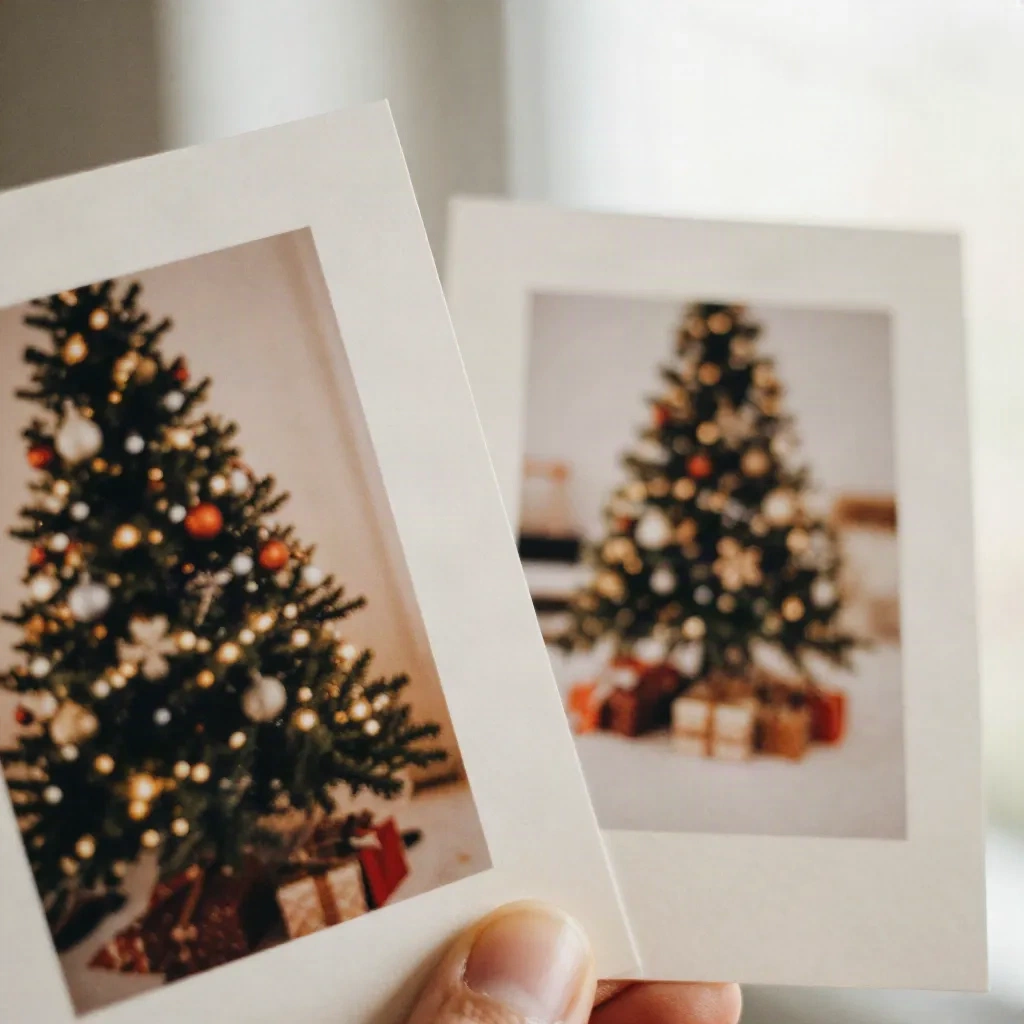
What does classic sharpening actually do?
It adds contrast along edges. That is all. Unsharp Mask in Photoshop or GIMP, and the Sharpen sliders in most phone editors, darken one side of an edge and lighten the other, so your eye reads it as crisper. No new detail appears.
A starting recipe that works for a soft indoor photo:
Amount around 100 to 150 percent
Radius between 0.8 and 2 pixels for a photo under 12 megapixels
Threshold of 1 to 4, so flat areas like skin and walls are not roughened
Raise the radius only as far as the image allows. Past about 3 pixels you will see bright halos around heads and shoulders, and on a printed card those halos read as a cheap cutout effect.
High Pass sharpening is the other classic: duplicate the layer, apply High Pass at a radius of 2 to 4 pixels, switch the blend mode to Soft Light or Overlay, and drop the opacity until it looks natural. It is gentler than Unsharp Mask and easier to mask, which matters in the next step.
Sharpen the face, not the whole frame
Most family photos have one region that must be sharp, the faces, and plenty that should stay soft, such as the tree lights, the wall, the sweater texture. Sharpening the whole frame also sharpens noise in the shadows and the weave of knitwear, which turns into a moire shimmer in print.
Apply the sharpening on its own layer, add a mask, and paint it in over eyes, brows, and hairline only. Keep your brush at 50 percent flow. Ten seconds of masking beats a full-frame slider every time.
If you do not own a layer-based editor, the free route is a browser or phone editor with a "clarity" or "detail" control. Treat the same way: small increments, then check at 100%.
When do AI deblur tools earn their price?
Modern AI sharpeners are trained on pairs of blurry and sharp photographs, so they guess plausible detail rather than only boosting contrast. On a mildly soft photo that guess is often convincing: eyelashes, fabric edges, and text on a package come back. On a heavily smeared photo the same tools invent detail, and faces can drift toward a generic look. A relative who looks slightly like someone else is worse than a relative who looks slightly soft.
So use them with a rule: if the face still looks like your family member at 100%, keep it. If it looks smoothed, plasticky, or subtly different, back off the strength or go back to manual sharpening.
Three tools come up most when people ask us about cards.
Topaz Photo AI is the one to look at if you have a batch of soft shots and a desktop computer. Its deblur and sharpen models are built for photographic motion and focus problems, it runs locally, and its Autopilot mode picks settings per image. The catch is the price: it is subscription-only now, and the app is heavy on older laptops.
Remini is the quick phone option. It is fast and sometimes startling on small, old snapshots. Two cautions from the listing data we track: it bills weekly, and its public review score is dominated by billing and cancellation complaints, so read the trial terms carefully, and cancel before the renewal date if you only need it for one card.
Fotor sits in the middle: a browser editor with a one-click photo enhancer, background removal, and a yearly plan that is cheaper than most. It works on AI credits each month, so it suits a single card project better than a whole archive.
What if the photo is just too small?
Blur and low resolution look alike on a screen, and they are fixed differently. A photo saved from a messaging app often measures around 1000 pixels wide. At 5 inches on paper that is 200 pixels per inch, which prints visibly soft even if the photo was sharp.
For a 5x7 card, aim for 1500 by 2100 pixels at minimum, and 2100 by 1500 landscape if you want the sharp look at 300 pixels per inch. If your original is smaller, upscale before you sharpen, not after. Upscaling then sharpening keeps halos small; the reverse order enlarges them.
Magnific AI is the generative end of upscaling. It can add up to 16x and invents plausible texture, with sliders for how much creative license it takes. That is useful for an old scanned print, and risky for a face. Keep the resemblance setting high.
Whichever you choose, always ask the original sender for the original file. A photo that was texted at full size is often 4 to 10 times bigger than the copy in your chat thread, and no algorithm beats having more real pixels.
The five-minute workflow we actually use
For one photo headed to a card, this order keeps the result natural:
Duplicate the photo and work on the copy.
Crop to the card's ratio first, so you are not sharpening pixels you will throw away.
Reduce noise lightly if the photo was taken in dim light.
Upscale if the file is under 1500 pixels on its short side.
Sharpen with Unsharp Mask or High Pass on a masked layer, faces only.
Zoom to 100%, look for halos, and pull back by a third.
Print a test on plain paper at the real card size before the final order.
That last step is not optional. A desktop screen shows a photo at about 100 pixels per inch while a card is read from about 12 inches away in your hand. What looks slightly oversharpened on screen often looks right on paper, and what looks fine on screen can look soft. A single plain-paper test print takes two minutes and saves a reorder.
Skip these fixes
Skip the "sharpen" slider pushed to maximum. It makes outlines around every head and calls it clarity.
Skip running the same sharpening three times at low strength. The halos add up just the same.
Skip sharpening a JPEG that has already been compressed hard. The blocky artifacts get louder. Start from the original file.
Skip generative "enhance" on a face you cannot compare to a second photo. If you cannot check likeness, you cannot trust it.
When the photo is beyond rescue
Some photos are not fixable, and the useful move is to stop. If the only frame where everyone is smiling is a smeared one, you have three options.
Pick another frame from the same burst. Phones record a short run of shots around each tap, and the second or third is often the sharper one. Check the "live" or burst folder before anything else.
Or choose a different treatment. A painted style hides what a sharp print would expose. Watercolor and oil pastel renderings smooth over soft edges and turn a slightly blurry original into a deliberate look. It works for mild softness; a heavily smeared face still comes out vague, because the model has nothing to paint from.
Or keep the blur. A moving child by a tree at dusk is a real moment. Some families choose it on purpose, and a short handwritten line on the back of the card does the rest.
Before you hit print
Sharpening is the last edit, never the first. Crop, fix noise, upscale if needed, then sharpen the faces, then print a test. If after ten minutes the photo is still soft at 100%, take a different frame instead of pushing the sliders further. You will notice the difference at 300gsm, and so will the people opening the envelope in December.
It is October, which means the photos are being taken now. If you can still retake one, do it near a window, with the family a step away from the wall, and with the phone resting on a shelf so the shutter has no shake to record. No editor beats a sharp original.