Stable Diffusion alternatives we actually tested in 2026
Summary
Stable Diffusion alternatives worth knowing in 2026: OpenArt AI, Midjourney, Leonardo AI, and Ideogram. Stable Diffusion still has the deepest fine-tuning ecosystem and the only open weights, but local setup, GPU requirements, and its shuttered DreamStudio app push casual users toward a hosted tool instead. OpenArt AI comes closest, bundling 100+ models with LoRA training. Midjourney renders a more painterly default image but has no free tier. Leonardo AI gives a daily free allowance worth testing. Ideogram wins once your design needs legible text.
Of the four Stable Diffusion alternatives we tested, OpenArt AI is the one we'd point a card designer toward first: it wraps 100+ models, including Stable Diffusion's own SDXL and Flux, into one subscription and lets you train a LoRA on your own artwork, something Midjourney and Ideogram don't offer at all. Midjourney still renders the more painterly default image. Leonardo AI is the one to open first if you want to test without paying anything. Ideogram wins the moment your card design needs legible text on it.
Where Stable Diffusion still does something no one else does
Here's the thing about Stable Diffusion: it's the only model family on this list you can actually download. The weights are public, so you can run SD 1.5, SDXL, or the newer SD 3.5 checkpoints on your own machine through ComfyUI, fine-tune a LoRA on forty photos of your own illustration style, and never send a single prompt to a server you don't control. That's not a small thing for an indie card maker prototyping a design before it goes to print. The Community License is free for anyone under $1M in annual revenue, and the checkpoint library on community model-sharing sites is enormous, mid-century ink textures, vintage postcard grain, watercolor bleed, all trained by people who wanted exactly that look.
Why people go looking for an alternative
Running Stable Diffusion well means picking a checkpoint, a front-end, and usually a GPU with enough VRAM to not choke on a 1024px render. That's a real learning curve for someone who just wants a card mockup by Friday. Stability AI made this harder in 2026 by shutting down DreamStudio, its old consumer app, and replacing it with Brand Studio, a platform aimed at brand marketing teams rather than a single illustrator. There's still a developer API and a lighter Stable Assistant subscription, but neither is the one-click experience Midjourney or Leonardo AI ship. Add in that out-of-the-box photorealism and prompt adherence on SD checkpoints trail newer models, and you get a steady stream of people typing "stable diffusion alternatives" into Google.
OpenArt AI: the nearest thing to Stable Diffusion's flexibility, with a UI
OpenArt AI is built around the same idea Stable Diffusion popularized, model choice, without the local install. You get access to SDXL, Flux, DALL-E 3-style models, and Midjourney-adjacent styles inside one subscription, plus an AI canvas for inpainting and outpainting and a character-training tool that functions like a hosted LoRA. For a card designer who wants to lock in a consistent illustrated style across a whole family's worth of card variations, that character consistency matters more than any single pretty render. The free tier has enough tokens to actually judge the tool before paying $9.99/month for the Starter plan.
Midjourney: sharper defaults, no free tier
Midjourney is still the benchmark for a painterly, art-directed default image, run mostly through Discord and its own web app. If you type a loose prompt and want something that already looks composed, Midjourney gets there faster than most of the others on this list. The catch is straightforward: there's no free tier anymore, and hasn't been for years, so anyone who wants to try before they commit has to look elsewhere first. Plans start around $10/month, with commercial usage rights unlocked at higher tiers.
Leonardo AI: the free tier you can actually finish a test on
Leonardo AI is the one we'd tell a skeptical first-timer to open. The daily free token allowance is generous enough to run a real test, several prompts, a couple of style swaps, before you hit a wall, and no credit card is required to start. It has photorealistic and illustrative model options, an AI canvas for edits, and a universal upscaler that matters if you're printing at 300gsm and need a crisp file rather than a web-res preview. The tradeoff is that the free allowance resets daily rather than accumulating, so an iteration-heavy afternoon session runs out fast.
Ideogram: the one to open when the card has words on it
Every other tool on this list still struggles with legible text inside a generated image. Ideogram, currently on model version 4.0, is built specifically to solve that: readable words, editable text layers, and character-consistency tools that keep a subject recognizable across a batch. If your card design has a family name, a "Happy Holidays" script, or a return address worked into the illustration itself, Ideogram will get you further, faster, than trying to force Stable Diffusion or Midjourney to render clean typography. General-scene photorealism isn't its strong suit, so it's a specialist choice, not a default one.
How we compared these four
We opened accounts on all four hosted alternatives plus Stable Diffusion's own API and Stable Assistant subscription, priced out entry tiers as of July 2026, and ran the same five prompts, mid-century illustrated postcard style, watercolor family portrait, paper-cut collage, a card with a printed name inside the art, and a plain photorealistic scene, on every tool at default settings. We noted where a free tier existed and whether it was usable without a card on file, whether the platform supported custom fine-tuning or LoRA-style training, and what built-in editing tools shipped standard. Pricing and feature details were checked directly against each platform's public pricing page in July 2026 and are subject to change.
Before you pick a tool
If you already run ComfyUI and don't mind a GPU doing the work, Stable Diffusion remains the only genuinely open option, and nothing here replaces that for someone who wants full control. But if you want one subscription that covers model variety and lets you train a consistent character, OpenArt AI is the closest match. Reach for Midjourney when the default aesthetic matters more than the price tag, Leonardo AI when you want to test for free before deciding anything, and Ideogram the moment your design needs to say something in words, not just show it.
At-a-glance
| OpenArt AI | Midjourney | Leonardo AI | Ideogram | |
|---|---|---|---|---|
| Starting price | Free tier, then $9.99/mo Starter | No free tier, from ~$10/mo | Free daily allowance, then ~$12/mo | Free tier, then ~$15/mo (Plus, annual) |
| Usable free tier | Yes, enough tokens to judge the tool | None | Yes, daily allowance, no card required | Yes, limited daily generations |
| Model variety | 100+ models: SDXL, Flux, DALL-E-3-style, Midjourney-adjacent | Its own proprietary model line only | Multiple in-house photorealistic and illustrative models | Its own model, currently version 4.0 |
| Custom fine-tuning / LoRA | Yes, character training built into the platform | No custom model training | Limited, private/custom models on higher tiers | No LoRA-style fine-tuning |
| Built-in editing tools | AI canvas: inpaint, outpaint, background removal | Basic pan/zoom/vary region tools | AI canvas plus a universal upscaler | Editable text layers, background removal |
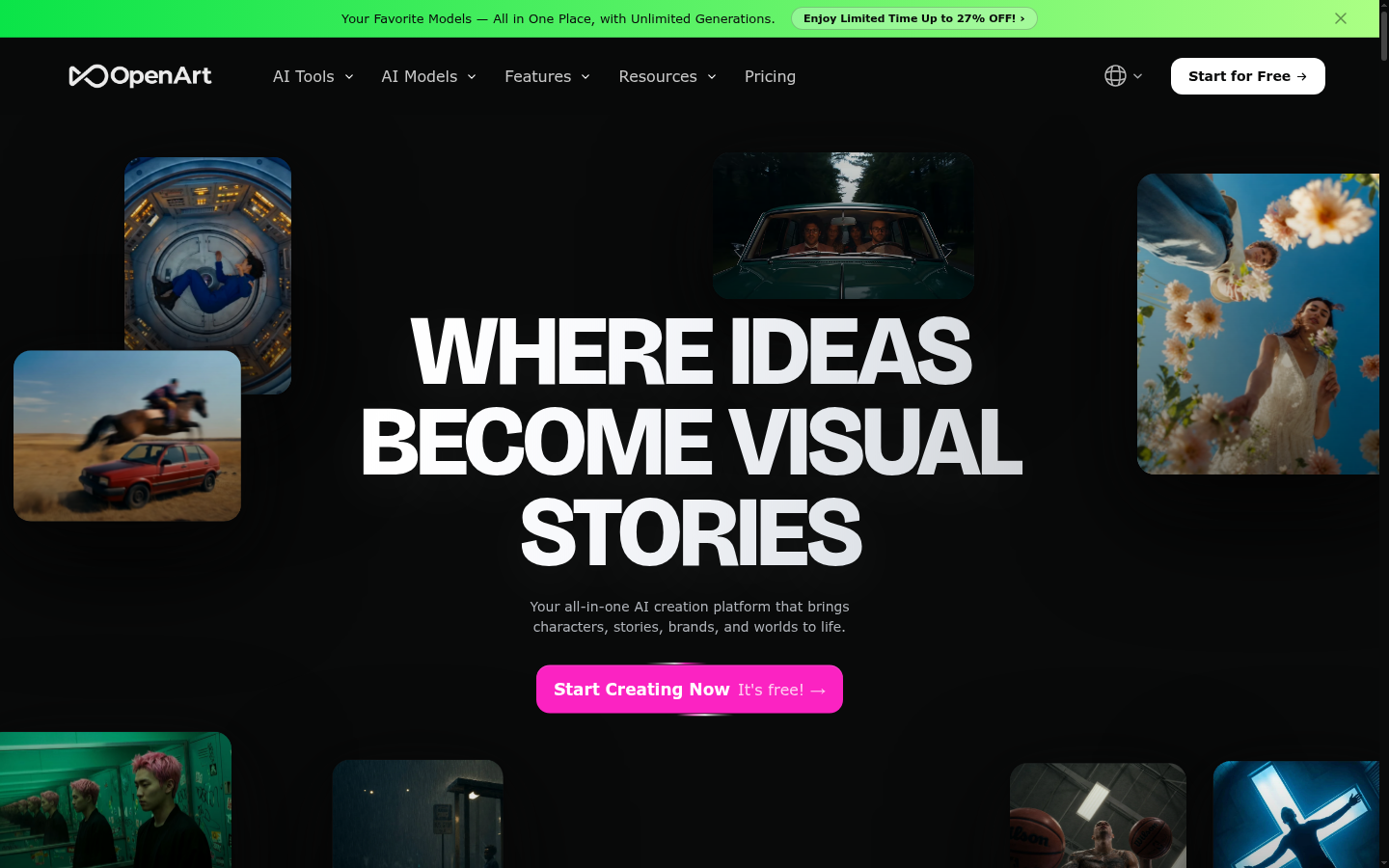
OpenArt AI
- Access to 100+ models, including Stable Diffusion's own SDXL and Flux, in a single subscription
- Custom LoRA-style character training keeps a family's illustrated look consistent across cards
- AI canvas with inpainting and outpainting for professional-grade edits without leaving the tool
- Free tier has enough credits to evaluate the platform before paying anything
- The sheer number of models creates a real learning curve for picking the right one per job
- Credit costs vary a lot by model, so the pricing can feel opaque until you've used it a while
The closest thing to Stable Diffusion's flexibility without the local install tax.
Midjourney
- Consistently the most art-directed, painterly default render of any tool in this comparison
- Strong for concept art and stylized illustration where mood matters more than precision
- Large, active community means prompt techniques and reference styles are easy to find
- No free tier at all, so there's no way to test it before paying around $10/month
- Runs mainly through Discord, which is an awkward interface for a first-time user
Worth the subscription once you already know the look you want; hard to justify before that.
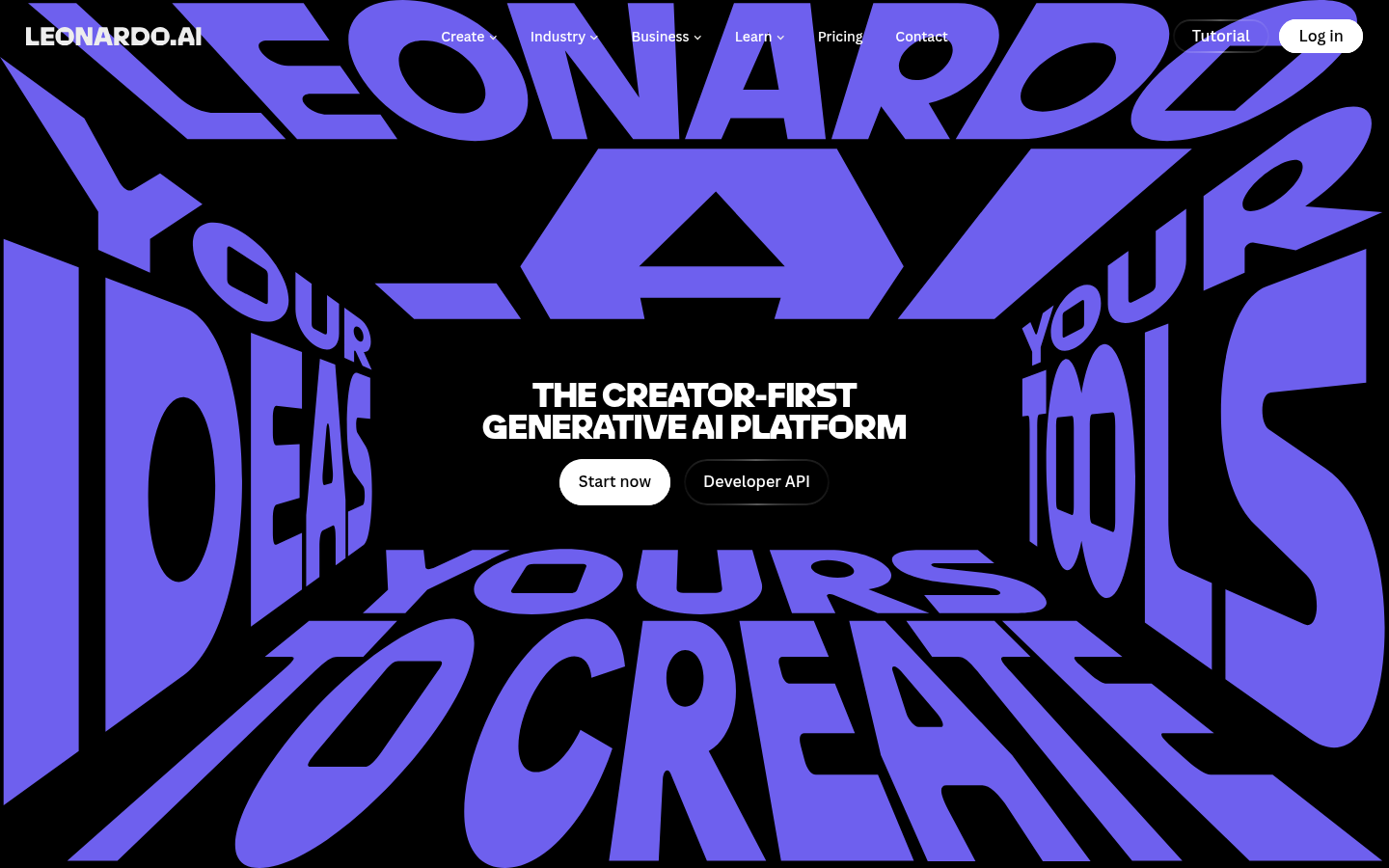
Leonardo AI
- Generous daily free token allowance, enough for a real test session without a credit card
- Solid photorealistic and illustrative model selection for a range of card styles
- Built-in universal upscaler that matters when you're printing at 300gsm, not just viewing on-screen
- The free allowance resets daily rather than accumulating, so it runs out fast on iteration-heavy sessions
- Some of the more useful features, like private models, sit behind the higher-paid tiers
The one to open first if you're not sure AI card art is for you yet.
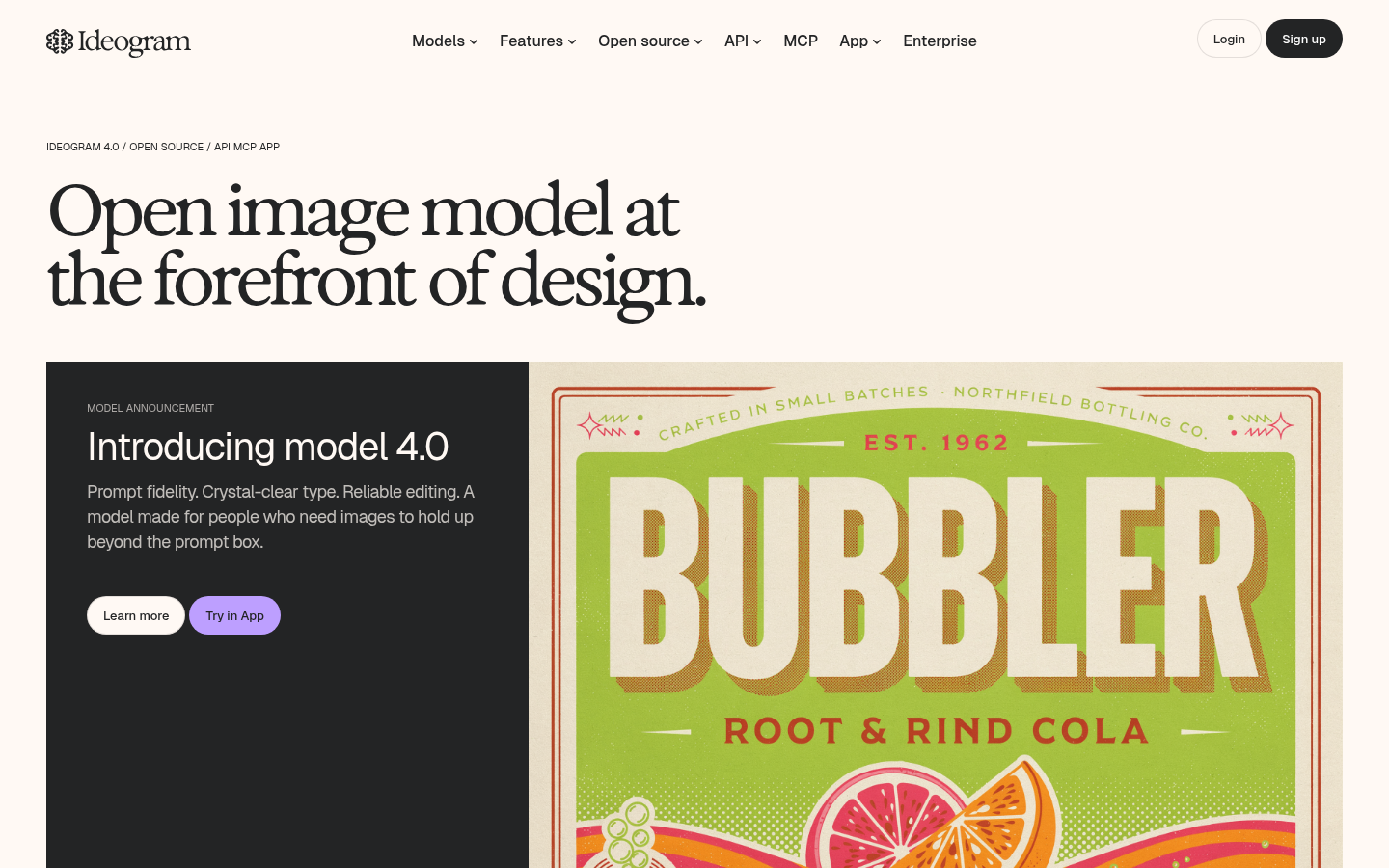
Ideogram
- Best-in-class at rendering legible, accurate text and logos directly inside a generated image
- Character-consistency tools keep a subject recognizable across a batch of variations
- Free tier is usable without a credit card on file
- General-scene photorealism lags behind dedicated photoreal models like Leonardo AI or Flux
- No LoRA-style fine-tuning, so you can't train it on your own illustration style the way OpenArt AI allows
A specialist tool: unmatched when the card needs to say something, unnecessary when it doesn't.
Verdict
OpenArt AI is the alternative we'd recommend first for anyone who liked what Stable Diffusion could do but not how it felt to run: it keeps the model variety and adds real fine-tuning without the local setup. Midjourney and Leonardo AI both beat it on ease of use in different directions, sharper defaults versus a genuinely free test, and Ideogram is worth a separate look the moment text has to appear inside the artwork itself. Stable Diffusion itself hasn't gone anywhere; it's just no longer the only reasonable option.
How we tested
We opened accounts on OpenArt AI, Midjourney, Leonardo AI, and Ideogram, plus Stable Diffusion's own developer API and Stable Assistant subscription, and priced entry tiers directly against each platform's public pricing page in July 2026. We ran the same five prompts on every tool at default settings: a mid-century illustrated postcard, a watercolor family portrait, a paper-cut collage, a card with a name printed inside the art, and a plain photorealistic scene. We logged whether a free tier existed and was usable without a card on file, whether the platform supported custom fine-tuning or LoRA-style training, and what editing tools shipped standard. Pricing is subject to change after publication.