Midjourney Free Alternative for Your Card Mockup (2026)
Summary
Looking for a Midjourney free alternative to preview a Christmas card design before you order one. Midjourney has no free tier at all, so we tested four tools people search for instead: OpenArt AI, Leonardo AI, Ideogram, and Playground AI. OpenArt AI wins because its free plan includes real photo editing, letting you repaint part of an actual family photo rather than generate a new scene from a prompt. Leonardo AI renders the most photorealistic result, Ideogram handles readable text best, and Playground AI is the quickest to open with no card required.
Search "Midjourney free alternative" and you land on ten near-identical roundups ranking the same handful of tools by feature checklist. None of them ask the question that matters if you are trying to picture your own family photo as a painted Christmas card before you spend anything: which of these tools can actually edit that photo instead of inventing a new scene from a text prompt. We ran the same test image through four free tools people search for as a Midjourney replacement, and only one of them, OpenArt AI, is built to touch an existing photograph rather than paint something new from scratch. Leonardo AI comes closest on realism, Ideogram wins if the mockup needs readable text, and Playground AI is the fastest one to open cold.
Why a Christmas card blog is testing Midjourney alternatives
Paper & Pine's own model is trained on the cards people kept, the mid-century watercolor and oil pastel styles our print shop already knows how to run at 300gsm. It is not a general-purpose image tool, and it was never meant to be one. But readers ask us, often by email in September, what to use for a rough look at an idea before committing: a different photo, a tighter crop, the dog in the frame instead of just the kids. That is a genuine use for a free general-purpose generator, and it is the actual reason "Midjourney free alternative" shows up in our search console every fall. Midjourney itself has no free tier at all. It dropped that years ago after the trial became a magnet for spam accounts, so anyone testing an idea for free has to look elsewhere first.
What we actually tested
We uploaded the same photo, four adults and a dog on a porch step, to each tool's free tier and asked for a watercolor-style repaint without changing the composition. That single task, editing a real photo rather than generating a new one, separated the four tools more clearly than any pricing page did. We also checked whether the free tier needs a credit card, how many free generations you actually get before a paywall appears, and what resolution the free export lands at, since a mockup you cannot see clearly is not much of a mockup.
The four tools, side by side
Here is how the four compare on the specifics that matter for previewing a card design, not for professional concept art or agency-grade renders.
OpenArt AI: the only one that edits your actual photo
OpenArt AI's free tier includes an AI Canvas with inpainting and outpainting, which means you can select the porch railing in a real photo and repaint it in a watercolor style without regenerating the four faces around it. That is a meaningfully different task from typing a description and hoping the result resembles your family. The tradeoff is a credit system that does not always make clear which of the 100-plus underlying models costs more per generation, and a model picker that takes a session or two to get comfortable with.
Leonardo AI: the most convincing photorealism
Leonardo AI's daily free token allowance is generous enough to run a full test session, and its photorealistic models produced the cleanest render of the porch and the dog of the four tools. Its editing tools are canvas-based rather than a dedicated inpainting mode, so touching up one detail in an existing photo takes more setup than in OpenArt AI. The daily allowance also resets and disappears fast if you are the kind of person who wants to try six versions of the same crop before picking one.
Ideogram: best when the mockup needs readable text
Ideogram renders legible text inside an image better than the other three, which matters if your mockup needs a name, a year, or a caption printed on the card itself rather than added afterward in a design program. Its free tier needs no card to start. Plain, realistic scenes, a porch step with no text at all, are where it falls behind Leonardo AI, and the daily generation cap is tight if you want to compare several styles back to back.
Playground AI: fastest to open, most template-driven
Playground AI asks for nothing, no card, no waiting period, and its template library is the easiest entry point for someone who has never touched an AI image tool. It leans toward design templates and merch printing more than freeform photo editing, so it is a reasonable first stop if you just want to see what a style looks like in general, and a weaker choice once you actually want to edit the specific photo you plan to send to a printer.
Where a free preview stops and a printed card starts
None of these four tools replace what happens next: a 300gsm card, printed in numbers, arriving at an address instead of living in a phone. Shutterfly handles that volume well and ships fast, and if a foil border on a photo collage is what you want, that is a fine route. What a free general image tool gets you is a rough answer to one question before you spend anything: does this photo, in this style, actually look like something you would want to mail. Once that answer is yes, the model trained specifically on painted Christmas cards, not a general one, is what turns it into a print-ready file in about thirty seconds.
Before you hit print
If you only try one of the four, make it OpenArt AI, since editing the photo you already have beats generating a new one you have to describe from memory. Keep the free-tier result as a reference, not a final file, and expect the finished card to look sharper once it comes off an actual press instead of a screen.
At-a-glance
| OpenArt AI | Leonardo AI | Ideogram | Playground AI | |
|---|---|---|---|---|
| Free tier | Yes, limited monthly credits, no card required | Yes, daily token allowance, no card required | Yes, limited daily generations, no card required | Yes, free to start, no card required |
| Starting paid price | $9.99/month (Starter) | About $12/month (Apprentice) | Paid tiers unlock more daily generations | Design and print add-ons on top of the free tier |
| Edits an existing photo (inpainting) | Yes, inpainting and outpainting via AI Canvas | Yes, canvas-based editing tools | Limited, focused on text and character edits | Limited, template-first workflow |
| Painterly / watercolor style range | Strong, depends on which of the 100+ models you pick | Strong illustrative and photorealistic model range | Good, weaker on plain realistic scenes | Decent, leans graphic and stylized rather than painterly |
| Free-tier export resolution | Standard resolution, upscaling behind paid tiers | Standard resolution, built-in upscaler available | Standard resolution, higher-res behind paid tiers | Standard resolution, capped lower than the others |
OpenArt AI
- Free tier keeps real photo editing (inpainting and outpainting) instead of limiting you to fresh generations only
- Access to 100+ underlying models in one account, useful for matching a specific painted or watercolor look
- Custom model training available if you want consistent results across several mockups of the same photo
- Credit system does not always make clear which models cost more per generation before you spend them
- Learning curve is steeper than a one-box prompt tool, since picking the right model takes some trial and error
The only one of the four built to edit an existing photo rather than invent a new scene, which is exactly what a card mockup needs.
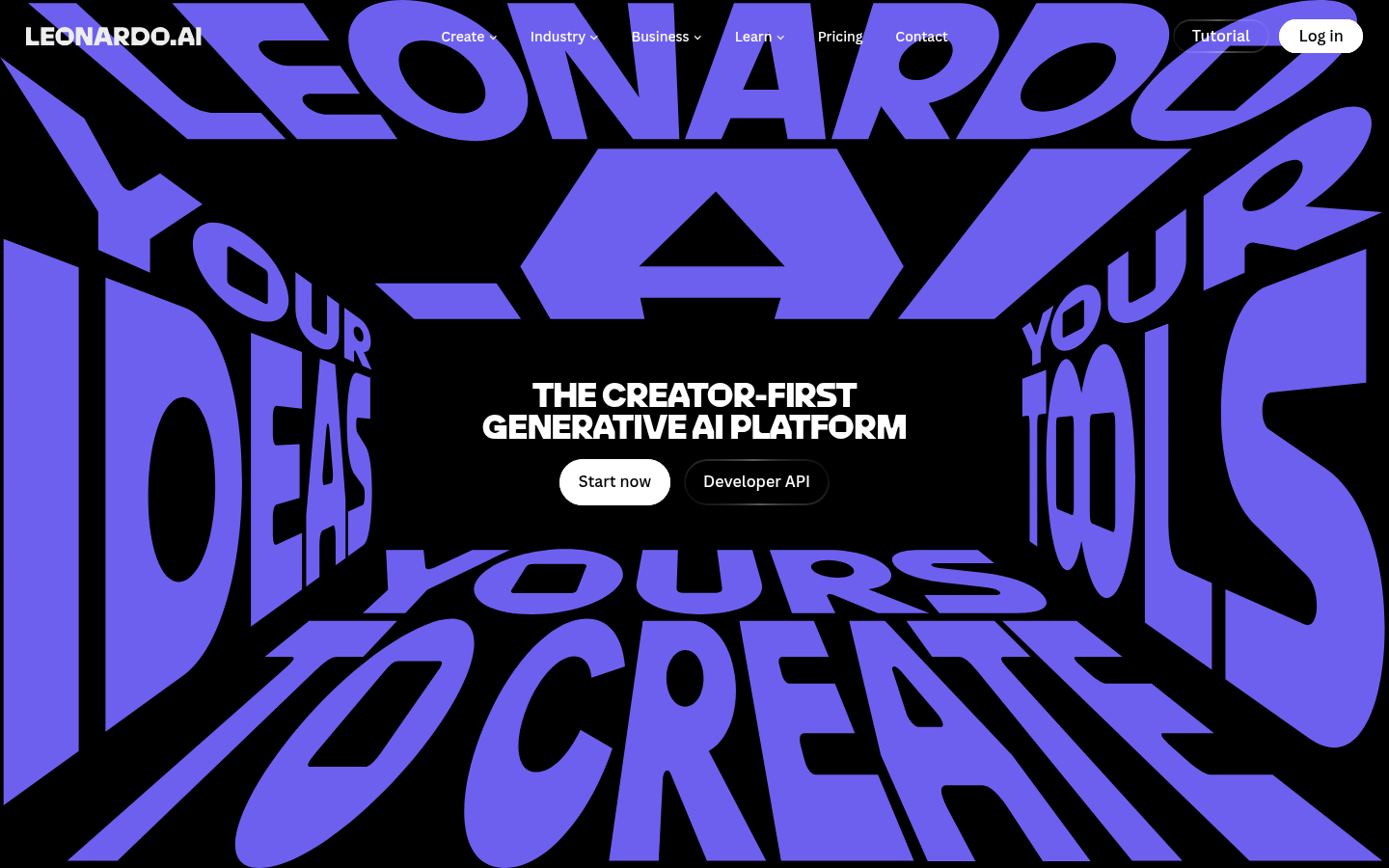
Leonardo AI
- Daily free token allowance is generous enough to actually test the tool across a full session
- Photorealistic and illustrative model selection is the strongest of the four for lifelike renders
- Built-in upscaler produces higher-resolution exports, useful for judging fine paper texture in a mockup
- Daily token allowance resets and runs out fast if you iterate on the same photo repeatedly
- Some advanced editing features sit behind paid tiers rather than the free plan
Best raw photorealism of the four, though the daily free allowance limits how much you can iterate.
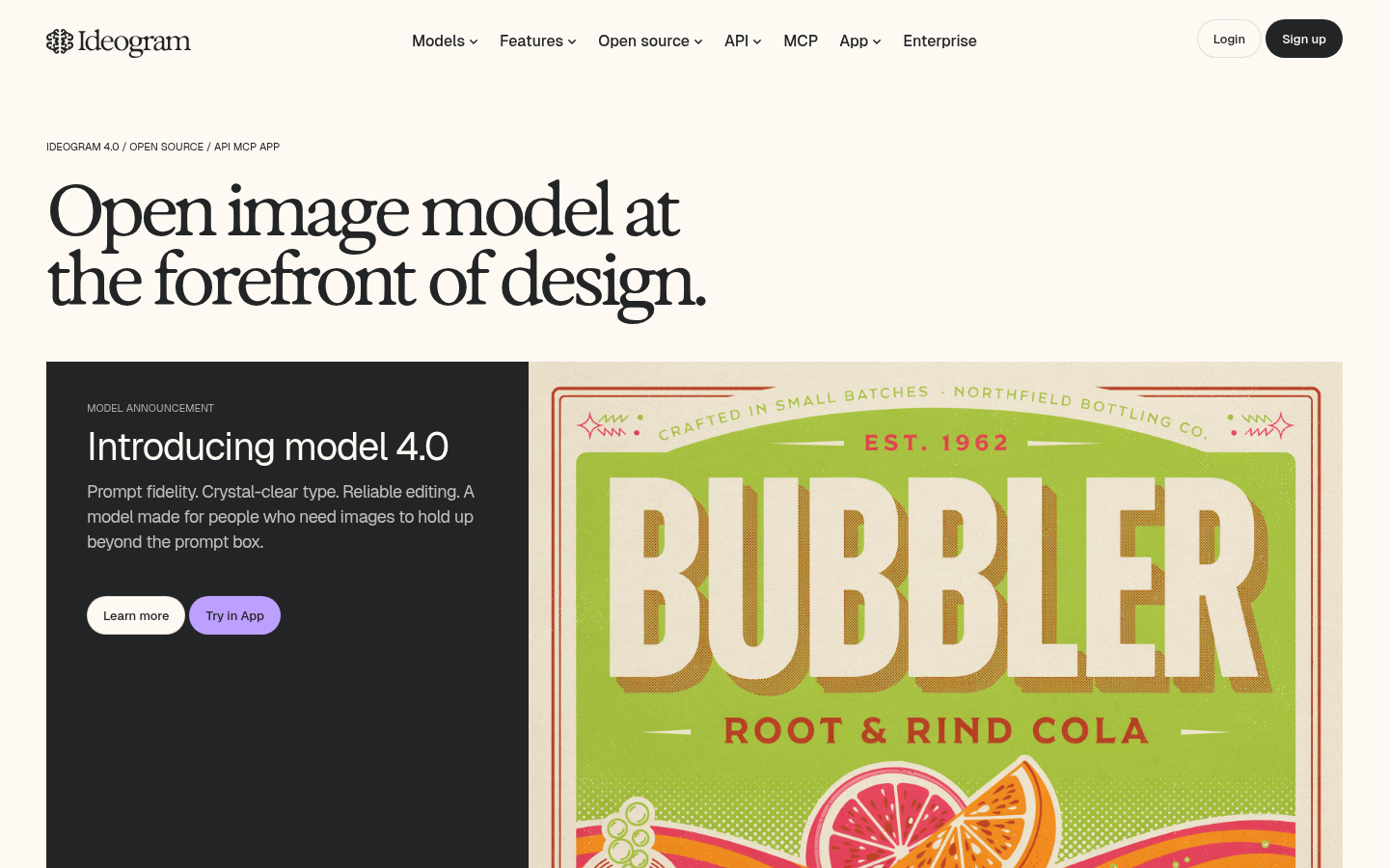
Ideogram
- Best of the four at rendering readable text and logos inside a generated image
- Character-consistency tools keep a face or subject recognizable across several generations
- Free tier works without a credit card, useful for a single test before committing to any paid tool
- Photorealism on a plain scene lags behind Leonardo AI for a straightforward room or portrait mockup
- Daily free generation cap is tight if you want to try several styles in one sitting
Reach for this one only if the mockup needs readable text, otherwise Leonardo AI renders a cleaner scene.
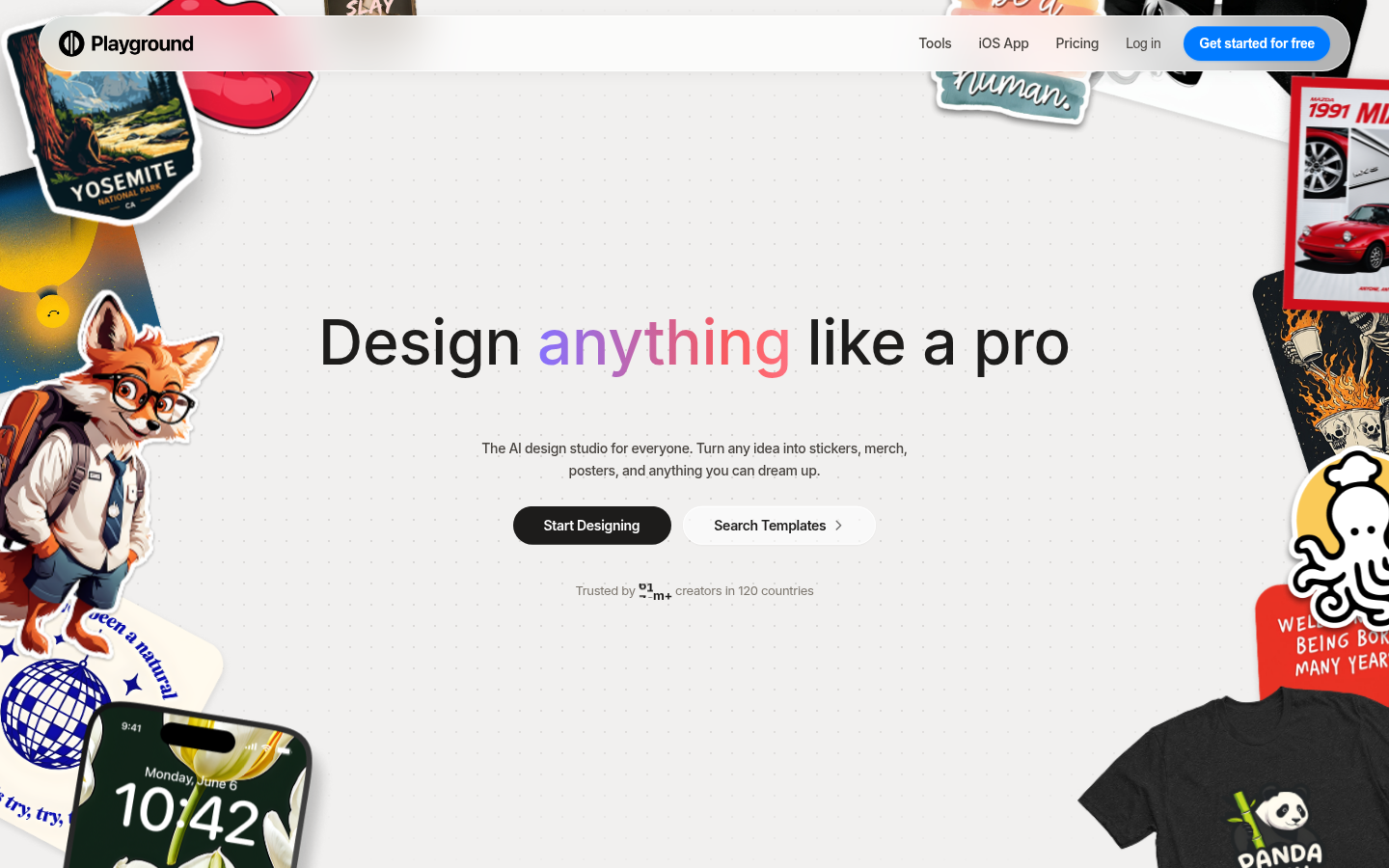
Playground AI
- Genuinely free entry point with no credit card required at any stage
- Template library makes it approachable for someone who has never used an AI image tool before
- Bundles several leading underlying models behind one prompt box, so results vary in useful ways
- Leans toward design templates and merch printing more than freeform photo editing
- Free tier generation volume and resolution are capped lower than Leonardo AI or OpenArt AI
Fastest to open and easiest for a first try, but not built for editing an existing photo.
Verdict
OpenArt AI is the strongest free Midjourney alternative for previewing a Christmas card because it is the only one of the four that edits an existing photo instead of generating a new scene. Leonardo AI is the runner-up on photorealism, Ideogram wins when the mockup needs readable text, and Playground AI is the easiest to open if you just want a quick look. None of them replace a printed card. They just answer, for free, whether a photo and a style are worth paying to have printed.
How we tested
We picked the four AI image tools most commonly named as Midjourney substitutes by homeowners and parents online, then uploaded the same test photo (four adults and a dog on a porch step) to each tool's free tier and asked for a watercolor-style repaint without changing the composition. We checked, on each tool's own pricing page in early July 2026, whether a credit card was required, how many free generations were actually available, and what export resolution the free tier produced. The homepage screenshot for each tool is a real, unedited capture at 1440x900, not a marketing render. We specifically tested whether a tool could edit an existing photo (inpainting or image-to-image) rather than only generate new images from a text prompt, because that capability, not raw prompt quality, is what matters for previewing an actual repair, room, or family photo before you commit to printing it.