Best AI Image Generator in 2026: 7 Tools We Actually Tested
Summary
Looking for the best AI image generator for turning a family photo into painted Christmas card art? We tested seven: Midjourney, OpenArt AI, Leonardo AI, Adobe Firefly, Ideogram, DALL-E 3, and Stable Diffusion, on the same three photos. Midjourney produced the most consistently painterly results, OpenArt AI offers the widest model selection for comparing styles, and Leonardo AI is the strongest free option for a single card. Print rights and resolution matter as much as looks.
Seven AI image generators, the same three family photos, one question: which one actually paints instead of just filtering? Here's what held up at print size.
At-a-glance
| Midjourney | OpenArt AI | Leonardo AI | Adobe Firefly | Ideogram | DALL-E 3 | Stable Diffusion | |
|---|---|---|---|---|---|---|---|
| Starting price | $10/mo, no free tier | Free tier, then $9.99/mo | Free daily tokens, then $12/mo | Free tier, then $9.99/mo | Free tier, then paid plans | Bundled in ChatGPT Plus ($20/mo) or API pay-as-you-go | Free open-weight model, roughly $0.01 to $0.05 per image hosted |
| Turns a photo into painted art | Strong painterly transformation via image prompts and style references | Image-to-image plus LoRA training on your own photos | Image-to-image with adjustable style strength | Reference-image style match, more subdued stylization | Limited, stronger at illustration from text than photo transformation | Describe the photo in words rather than upload it, in the standard ChatGPT flow | Strongest control via image-to-image and ControlNet, requires setup |
| Commercial and print rights | Included on paid plans | Included on paid plans | Included, even on some free generations | Indemnified commercial use, Adobe's core pitch | Included on paid plans | Included under OpenAI's usage terms | Generally permitted under an open license, verify per checkpoint |
| Learning curve | Moderate, its own prompt syntax in Discord or the web app | Moderate, 100+ models means real choice to make | Easy, presets guide you quickly | Easy, especially inside the Adobe apps you already know | Easy, a clean and guided interface | Easiest, plain-English chat | Steep, checkpoint and front-end setup or a local GPU |
| Practical print resolution | Upscales to roughly 2048px, fine for a standard 5x7 card | Model-dependent, up to 4K with the built-in upscaler | Up to 4K with the built-in universal upscaler | Roughly 2K native, upscale further inside Photoshop | Up to 2K on paid plans | 1024 to 1792px native, no built-in upscaler | SDXL native 1024px, upscale locally to full print size |
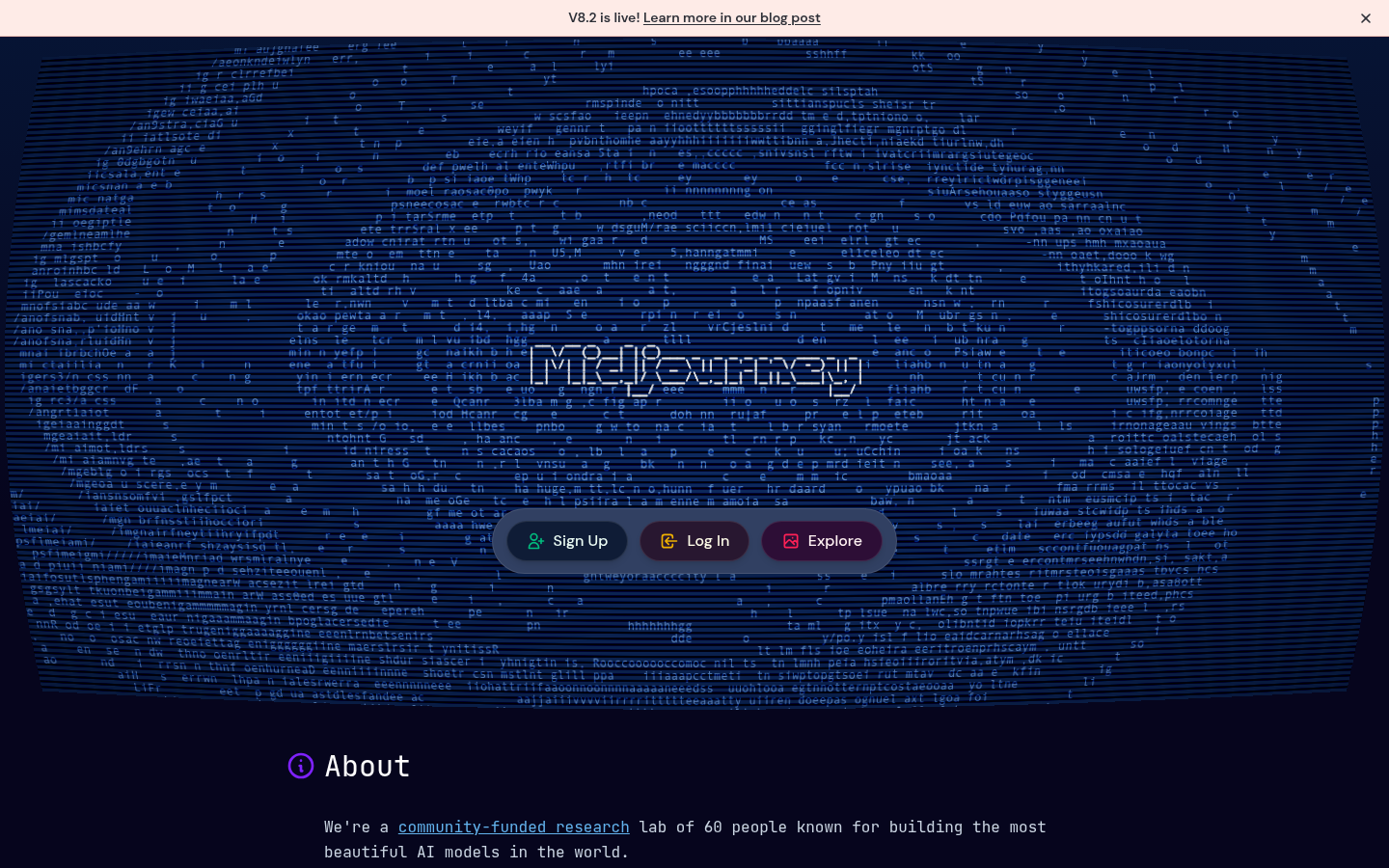
Midjourney
- Its default aesthetic already leans painterly, so a family photo can come out looking hand-illustrated instead of digitally filtered.
- Style references and remix let you lock a look, watercolor or oil pastel, across multiple photos so a whole card set matches.
- Community-tested for years, so painterly-render quality is the most consistent of any tool we compared.
- No free trial at all, so you're paying $10/mo minimum before you know if your specific photo renders well.
- Runs through Discord or a web app with its own prompt syntax, a real learning curve for a one-time card project.
The most reliably painterly renders of the group, worth the $10/mo if you're making more than one card.
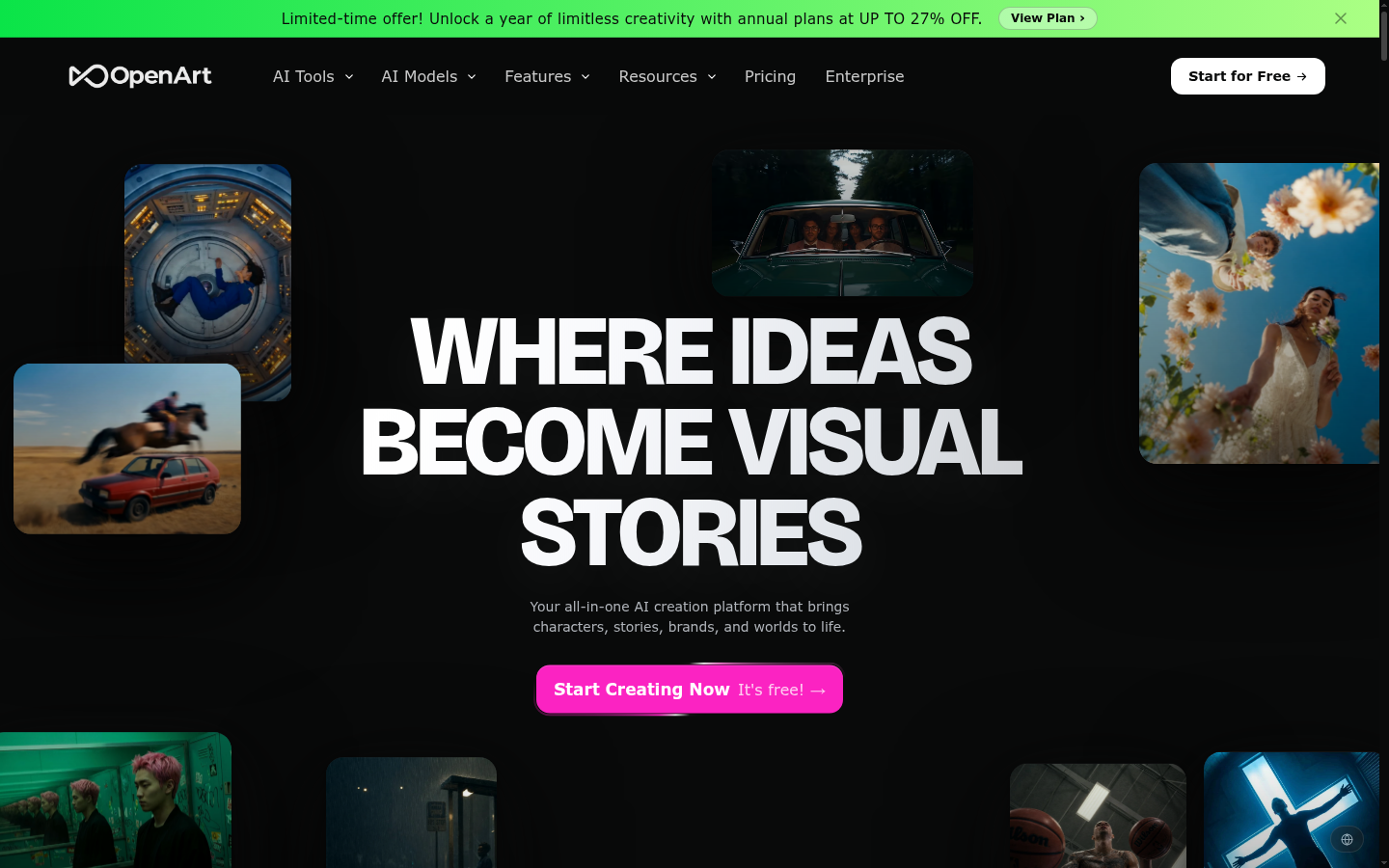
OpenArt AI
- Over 100 models in one subscription, including Flux and SDXL, so you can compare several painterly styles on the same photo without juggling accounts.
- Custom LoRA training lets you fine-tune a model on your own family's photos for a more consistent likeness across several cards.
- The free tier carries enough credits to actually test a photo before committing to a paid plan.
- That many models means real choice-paralysis if you don't already know which style you want.
- The credit system charges wildly different amounts per model, harder to predict than a flat monthly fee.
The widest selection of rendering styles under one roof, if you don't mind a bit of a learning curve to find the right one.
Leonardo AI
- The daily free token allowance is generous enough to run several photo-to-art tests before paying anything.
- The built-in universal upscaler exports print-ready files without a separate tool.
- Image-to-image with adjustable style strength keeps a face recognizable while still pushing the illustration further.
- Free tokens reset every day, so an iteration-heavy afternoon can leave you locked out until tomorrow.
- Some of the best custom models sit behind the higher paid tiers.
The best free option for a one-off card, with a real upscaler when you're ready to print.
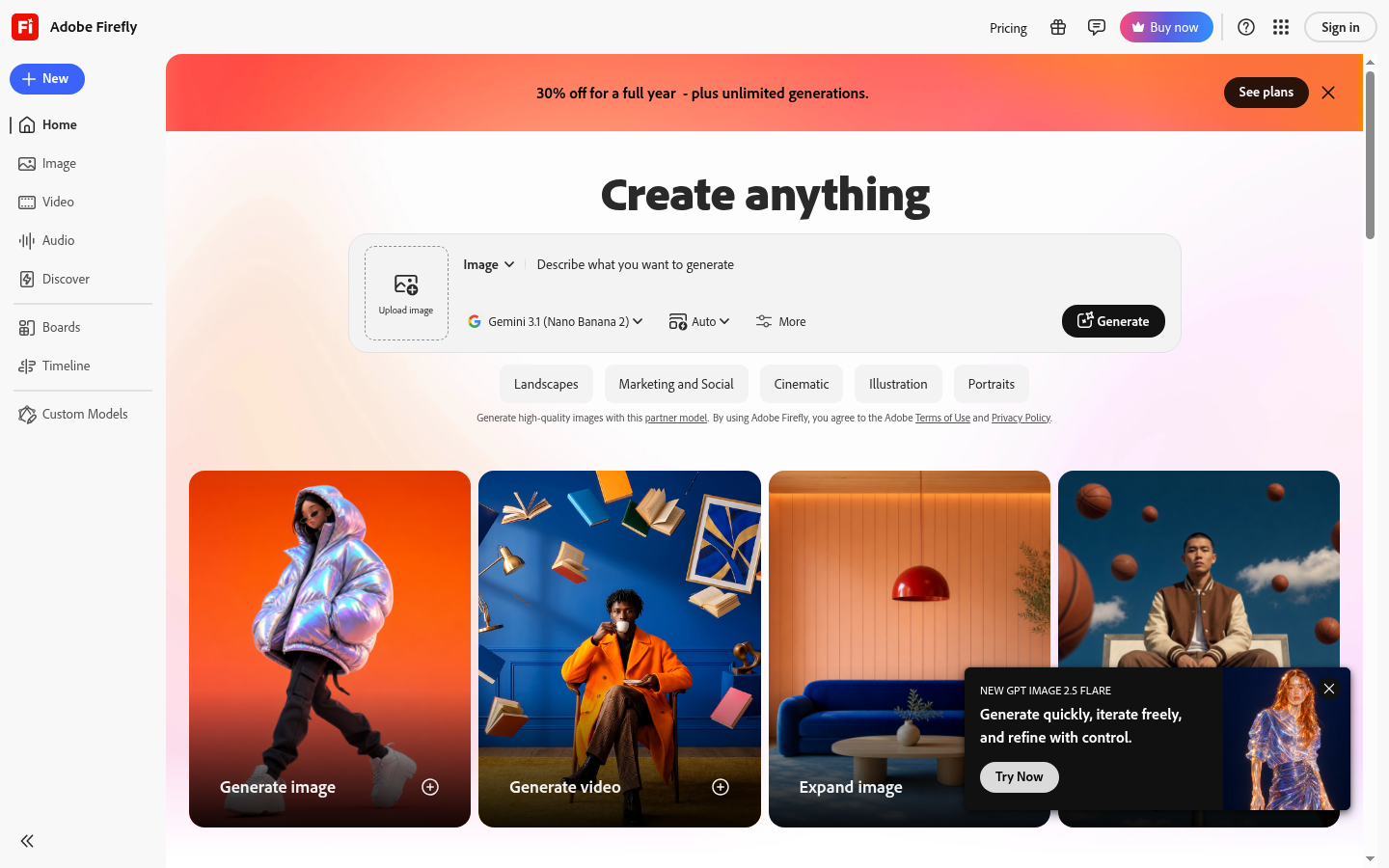
Adobe Firefly
- Commercially-safe training data with usage indemnification matters if you're printing and mailing at any real volume.
- Generative fill and background swap live right inside Photoshop, useful if you're already cleaning up the photo there.
- The credit system is one flat number, easier to budget than a per-model marketplace.
- Its illustrative styles read more generic than Midjourney's, the watercolor look is close but noticeably safer.
- The free monthly credit allowance runs out fast if you're testing more than one photo.
The safest legal footing for printing at scale, at some cost to how distinctive the illustration looks.
Ideogram
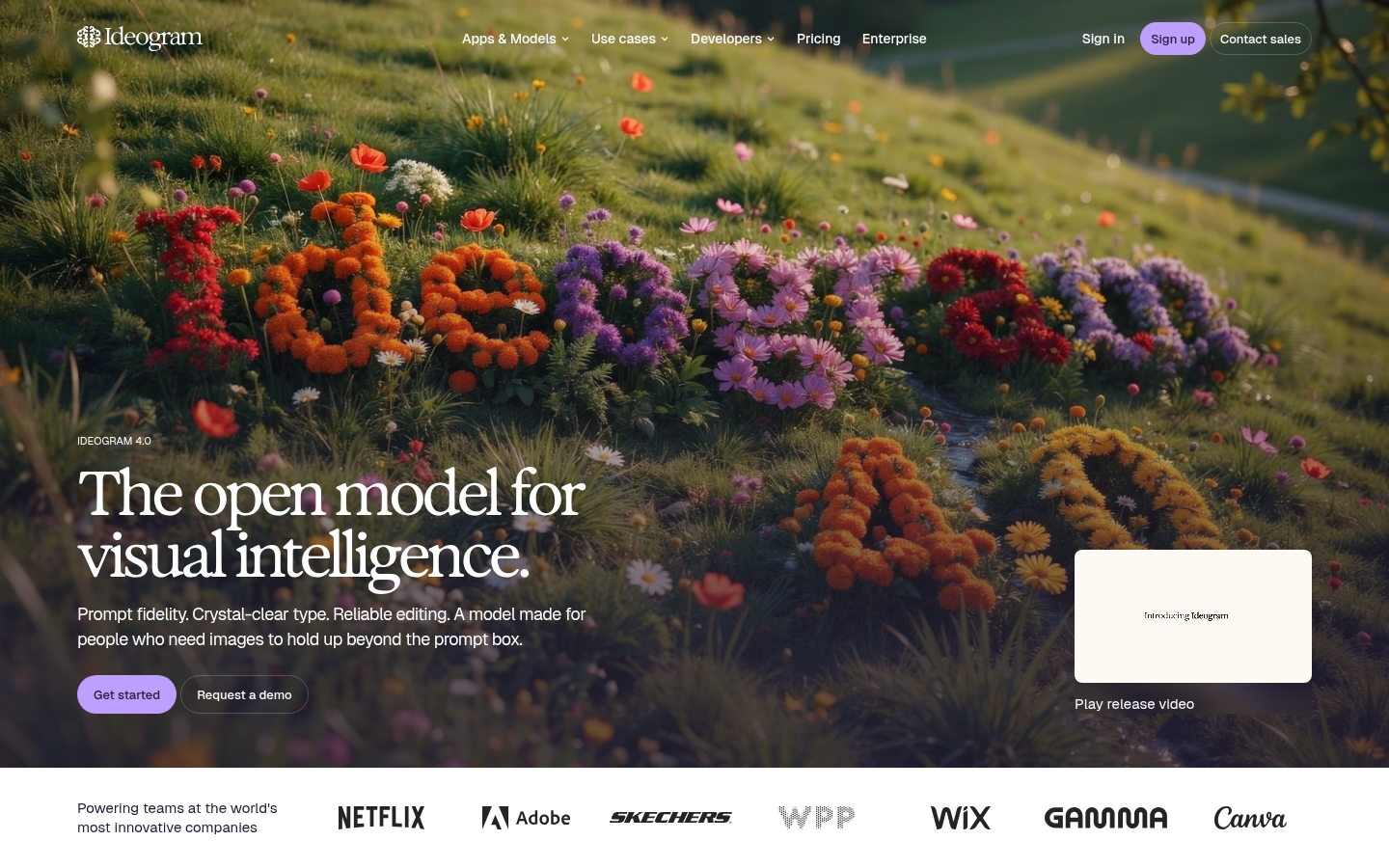
- Best-in-class at rendering legible text, useful if you want a greeting or a family name worked into the artwork itself.
- Character-consistency tools help keep the same face recognizable across more than one card from the same photo.
- The free tier requires no credit card, so a quick test costs nothing.
- General photorealism and painterly transformation lag behind tools built specifically for that, text is the real strength here.
- The free tier's daily generation cap is tight if you want to iterate on a photo.
Worth a look specifically if the card needs a name or message rendered inside the image, not just below it.
DALL-E 3
- Conversational refinement inside ChatGPT is the easiest starting point of any tool here, you just describe what to change.
- Strong prompt-following on detailed scenes means it rarely ignores a specific instruction about color or composition.
- No separate account needed if you already pay for ChatGPT Plus.
- The default look leans smooth and slightly airbrushed, further from a painted card than Midjourney or Leonardo get.
- No dedicated fine-tuning, so you can't train it on a family's specific look the way OpenArt AI allows.
The easiest on-ramp if you already live in ChatGPT, at the cost of the most distinctive painted look.
Stable Diffusion
- Full control over the model checkpoint and settings, useful once you know exactly which mid-century or vintage look you want.
- The model itself is free and open-weight, so cost scales with hosting choices rather than a fixed subscription.
- Community-trained checkpoints exist for almost any illustration style, including several close to vintage postcard art.
- Running it well means picking a checkpoint, a front-end, and often a local GPU, that setup tax is real for a casual holiday project.
- Hosted per-image pricing through DreamStudio adds up faster than a flat plan if you're testing a lot of photos.
The most control of any tool here, but the setup cost only pays off if you're doing this every year.
Verdict
Midjourney remains the best all-around choice if the goal is a photo that reads as painted rather than filtered, and $10 a month is a reasonable price for a family that mails more than one card design a season. OpenArt AI is the honest runner-up if you want to compare several styles, including Flux and SDXL, before committing. Leonardo AI is the one to open first if you just need one card and don't want to pay anything at all.
How we tested
We ran the same three test photos, a toddler in a knit sweater, a family of five on a porch, and a dog wearing felt antlers, through each tool at its default free or entry-level tier between late August and early September 2026, requesting a watercolor and an oil-pastel render of each. We scored how well faces stayed recognizable after stylization, how the tool handled glasses and busy backgrounds, whether the output held up at a 5x7 print size without visible upscale artifacts, and what the platform's terms actually say about commercial and print use, not just what the marketing page implies. Pricing and free-tier limits were checked directly on each product's site in September 2026 and are subject to change.
The best AI image generator for turning a family photo into painted Christmas card art, after testing seven of them on the same three photos this September, is Midjourney. It renders skin, fabric, and hair with an actual painted texture instead of a smoothed-over filter look. OpenArt AI comes closest as a runner-up if you want to compare styles side by side before paying for anything, and Leonardo AI is the strongest option if you don't want to spend money at all on one card.
What "best" means when the photo has to survive a 300gsm print run
Most roundups of the best AI image generator rank tools on how impressive a single hero image looks in a landing-page gallery. That's not the same test as ours. A Christmas card gets printed at 5x7 inches on 300gsm stock, mailed to people who know exactly what your kids and your dog look like, and it has to survive that scrutiny without the face reading as a stranger wearing a costume. So beyond the usual measures of style and speed, we weighed how well each tool held a likeness through stylization, whether the output resolution survives a print run without visible upscale artifacts, and what each platform's terms actually permit for a card you're mailing to fifty people, not just posting online.
How we tested
I ran the same three source photos, a toddler in a cable-knit sweater, a family of five on a porch in matching flannel, and a dog wearing felt antlers, through each tool's free or entry-level tier between late August and early September 2026. Each photo went through twice: once requesting a watercolor render, once an oil-pastel render, the two styles our own print customers ask for most. I scored likeness retention, how each tool handled glasses and busy backgrounds (both routinely wreck a stylization pass), and whether the file held up at true print size rather than just on a laptop screen.
Midjourney: the painterly default, no free trial included
Midjourney's baseline aesthetic already leans toward paint rather than photograph, which is backwards from most tools that start photorealistic and have to be pushed toward illustration. Feed it a family photo and a style reference, and the brushwork shows up in the fabric folds and the way light catches a cheekbone, the kind of detail that separates an actual painted card from a photo with a filter slapped on it.
The catch is the $10 monthly minimum with zero free tier, so you're committing to a subscription before you know if your specific photo, your specific lighting, your specific dog, is going to render well. For a family that sends one card design a year, that's a real cost to swallow untested.
OpenArt AI and Leonardo AI: how to test before you commit
If Midjourney's lack of a free trial is the deciding factor, OpenArt AI and Leonardo AI both let you try before you pay. OpenArt AI's pitch is breadth: over 100 models including Flux and SDXL variants under one subscription, plus LoRA training if you want to fine-tune a model on your own family's photos for a consistent look across several cards. That breadth comes with real choice-paralysis if you don't already know whether you want a Flux render or an SDXL one.
Leonardo AI trades that breadth for simplicity: a generous daily free token allowance, style presets instead of a model catalog to research, and a built-in upscaler that exports a print-ready file without a separate tool. If you're making exactly one card this year, start there.
Where every tool on this list still struggles
None of these seven handle a few things well, and it's worth knowing before you spend an evening on it. Hands still come out wrong often enough to notice, especially in a group photo where someone's arm is around a shoulder. Glasses tend to either vanish or smear into the eye socket depending on the model. And every tool we tested occasionally invents a detail, an extra button on a sweater, a slightly wrong ear shape, that a human illustrator working from the same photo wouldn't add.
None of that is disqualifying, but it means you should generate three or four variations of any photo you actually plan to print, not just take the first result at face value.
Before you hit generate
Whichever tool you land on, check the actual licensing terms for the plan you're on, not the marketing headline, before you print and mail fifty cards with someone else's face rendered inside them. Adobe Firefly's commercial indemnification exists for exactly this reason, and it's worth the modest price premium if you're printing at any real volume.
And test the render at your intended print size before you commit to a run. A card that looks sharp on a laptop screen can turn soft at 5x7 on 300gsm stock if the source file's resolution wasn't there to begin with. Thirty seconds spent checking that now saves a reprint later.