Best AI Art Tools in 2026, Tested by a Print Designer
Summary
Looking for the best AI art tools in 2026? We tested six platforms, OpenArt AI, Midjourney, Leonardo AI, Ideogram, Krea, and Playground, on rendering quality, pricing, and what actually holds up once you push a file to print. OpenArt AI wins on breadth and price. Midjourney still leads on painterly texture. Ideogram is the one to reach for when text has to stay legible inside the image.
Six AI art tools tested on rendering quality, pricing, free tiers, and how they hold up once you push a file to print.
At-a-glance
| OpenArt AI | Midjourney | Leonardo AI | Ideogram | Krea AI | Playground AI | |
|---|---|---|---|---|---|---|
| Starting price | $9.99/mo (free tier available) | $10/mo (no free tier) | Free tier, paid from ~$12/mo | Free tier, paid for higher-res + private mode | Free tier, paid Basic plan (compute-based) | Free to start, paid design/print tiers |
| Models included | 100+ models (SDXL, Flux, DALLE-3-style, Midjourney-style) | Single house model (v8.2) | Multiple + your own fine-tuned models | Ideogram 4.0, text-focused | 64+ models (Krea 2, Flux, Ideogram, Veo, Kling) | GPT Image 2, Nano Banana Pro, Seedream |
| Standout feature | Character builder holds a face steady across a batch | Painterly texture and depth others still chase | AI canvas (inpaint/outpaint) + universal upscaler | Accurate, editable text rendered inside the image | Real-time canvas preview + 22K upscaling | Thousands of print-ready templates, no design background needed |
| Free tier | Yes, daily tokens | No | Yes, daily token allowance | Yes, limited daily generations | Yes, 100 compute units/day | Yes, no credit card required |
| Commercial usage rights | Included on paid plans | Included at higher tiers | Included on paid plans | Included on paid plans | Requires a paid plan | Included, print fulfillment on paid tiers |
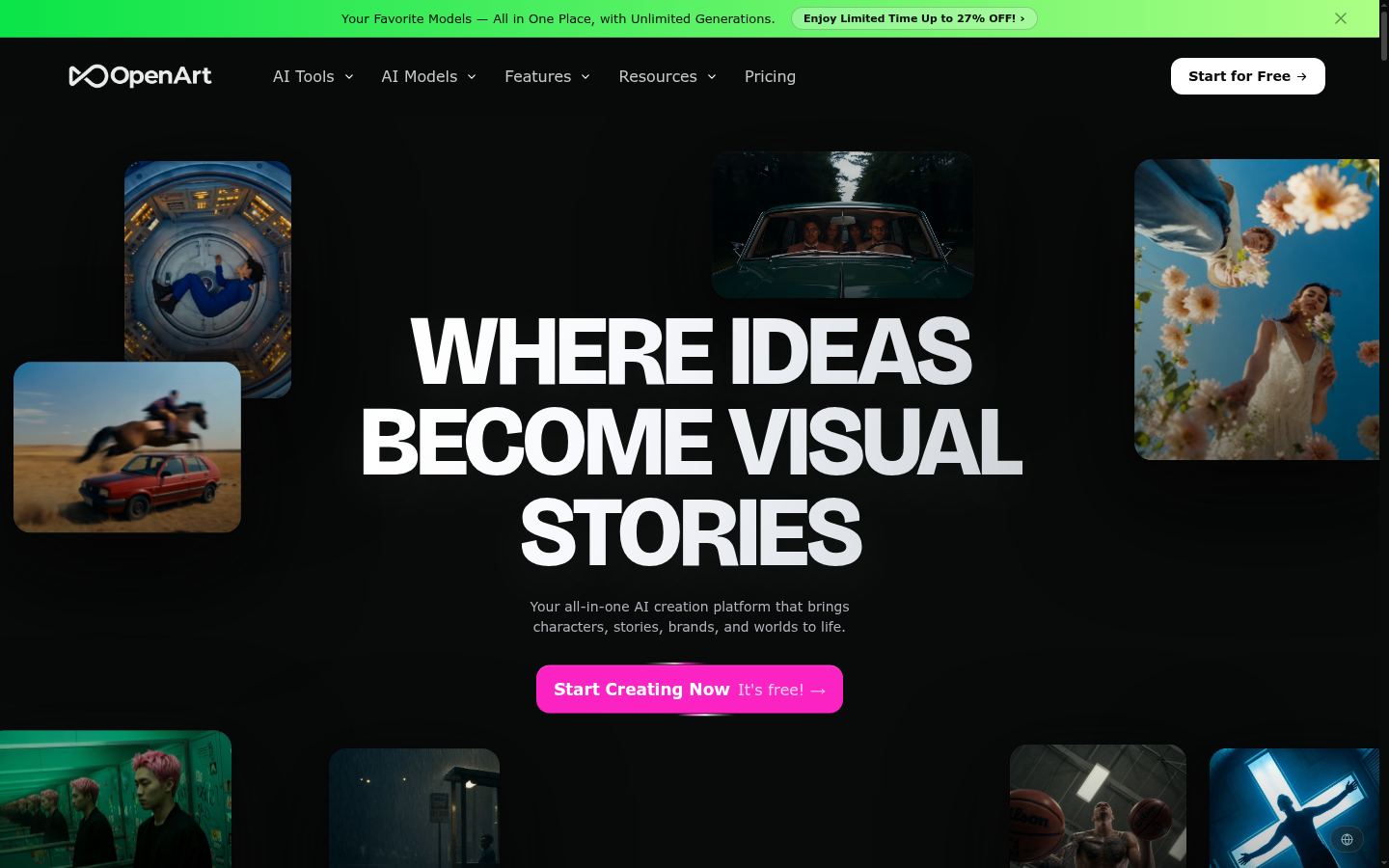
OpenArt AI
- Access to 100+ models including SDXL, Flux, and DALLE-3-adjacent variants under one login
- Starter plan runs $9.99 a month, cheaper than most single-model subscriptions
- Character builder keeps a face or subject consistent across a whole batch of renders
- Free tier lets you test the interface before paying anything
- The sheer number of models and tools can overwhelm a first-time visitor
- Some of the newest flagship models sit behind higher-priced tiers
The one to start with if you want breadth without five separate subscriptions.
Midjourney
- Still the most recognizable house style for painterly, cinematic images
- Version 8.2 renders textures like paint, ink, and grain with real depth
- Runs through Discord or its own web app now, no plugin required
- A large, active community sharing prompts and reference sheets
- No free trial, plans start at $10 a month with no way to test first
- The Discord-first workflow still feels clunky next to a clean web canvas
Best when the look itself, painterly and a little strange, is the whole point.
Leonardo AI
- Free plan hands out a daily token allowance, no card required
- Custom and fine-tuned models trained on your own reference set
- AI canvas handles inpainting and outpainting in the same window
- Universal upscaler outputs print-quality files
- Free tokens run out fast once you're generating at higher resolutions
- The tool list has grown wide enough that new users need a few sessions to find their footing
Best for anyone who wants a repeatable, trained-on-your-own-data style.
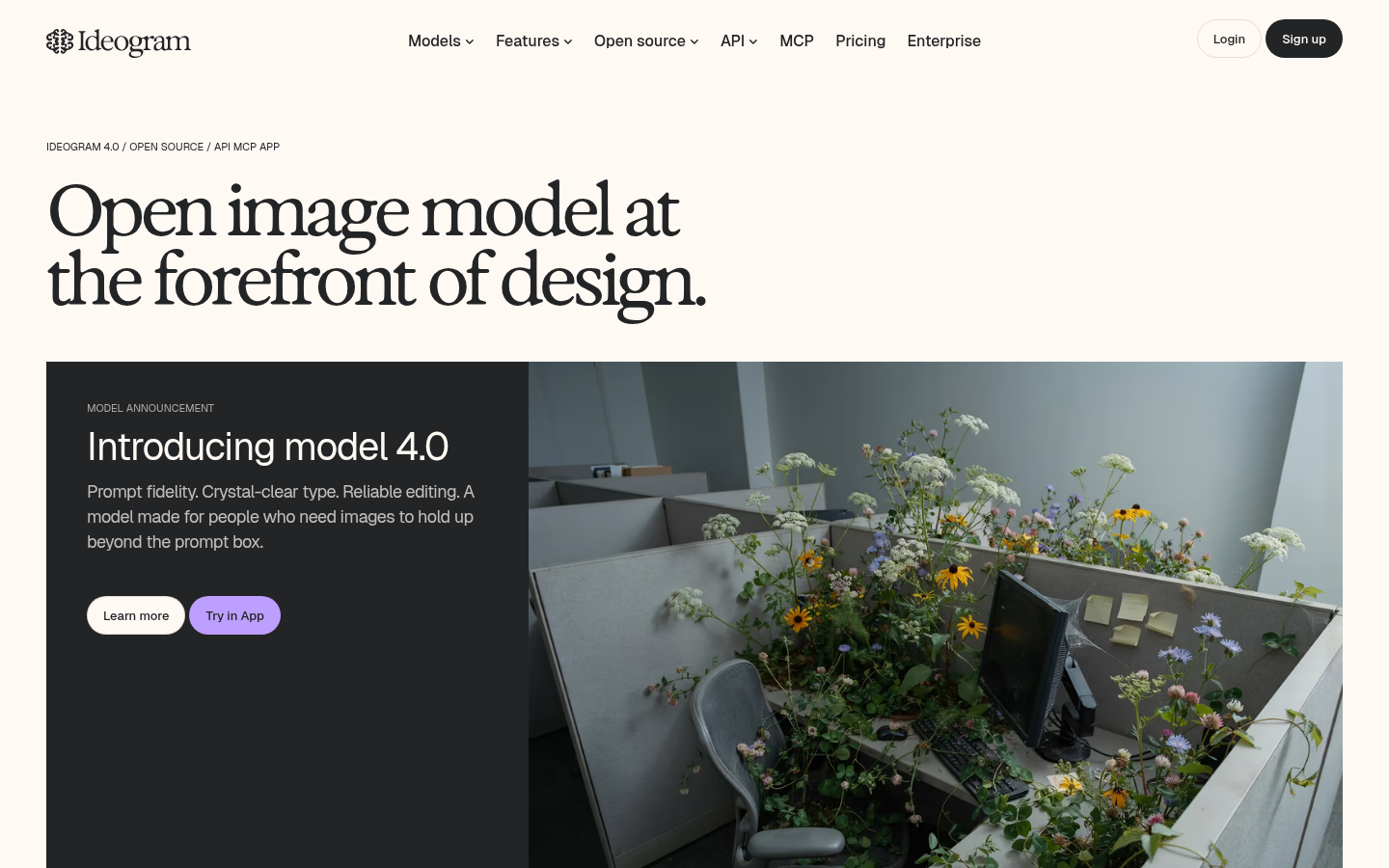
Ideogram
- Version 4.0 renders in-image text more accurately than any competitor tested here
- Character consistency holds across a batch of separate generations
- Editable text layers mean a typo doesn't force a full re-render
- Free daily generations before you need to pay
- Private mode and higher-resolution downloads are locked behind paid plans
- Non-text illustration styles are solid but not its strongest suit
Best when the design has to say something legible, not just look good.
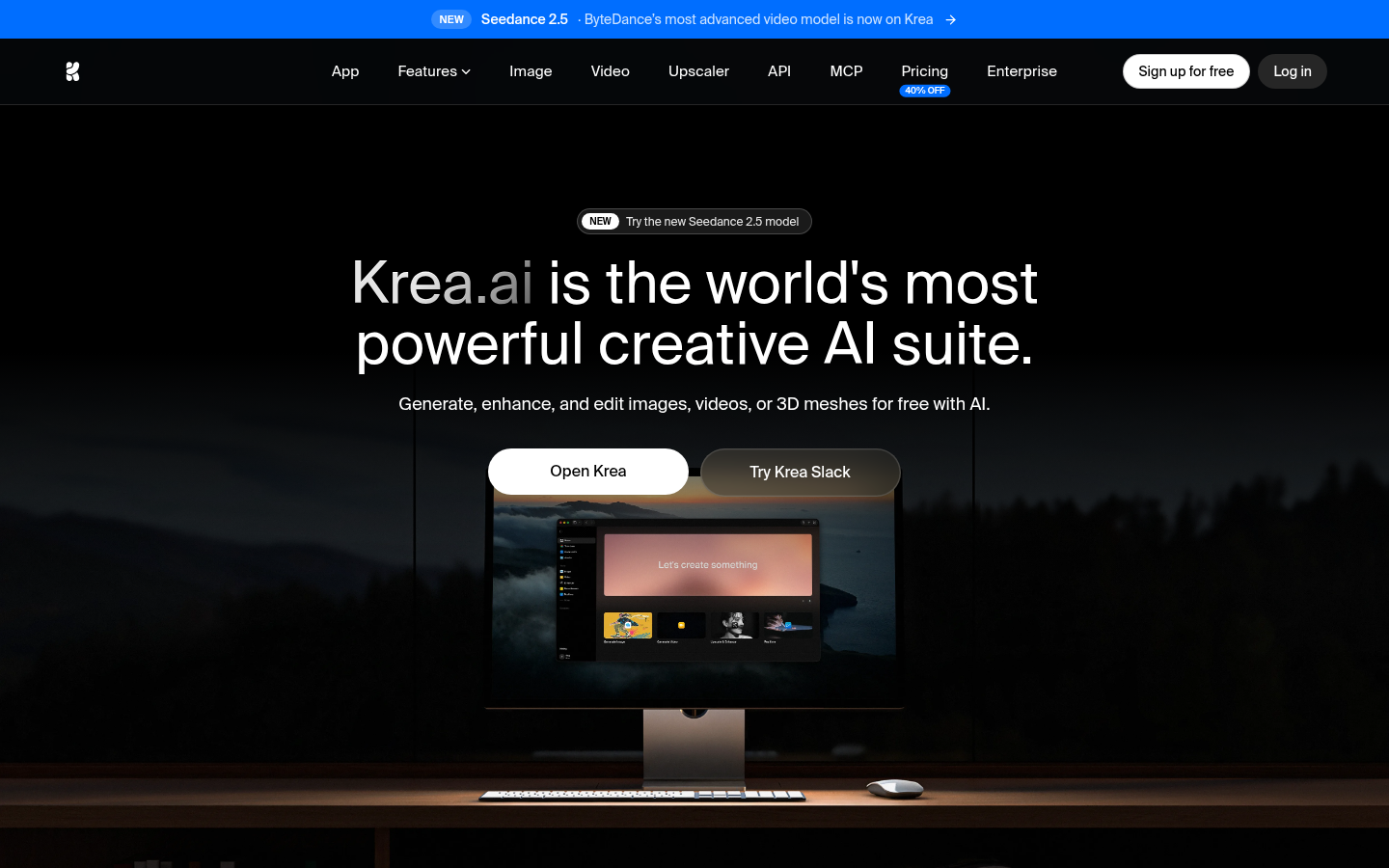
Krea AI
- Real-time canvas shows a usable preview in under a second per change
- 64+ models available in one place, including Flux, Ideogram, and Veo
- Upscaling tops out at 22K resolution, useful for print-scale output
- LoRA fine-tuning on your own images is included on paid tiers
- Free tier compute units run out within a single active session
- Commercial usage rights only kick in once you're on a paid plan
Best for iterating fast, then pushing the winning result to a huge print size.
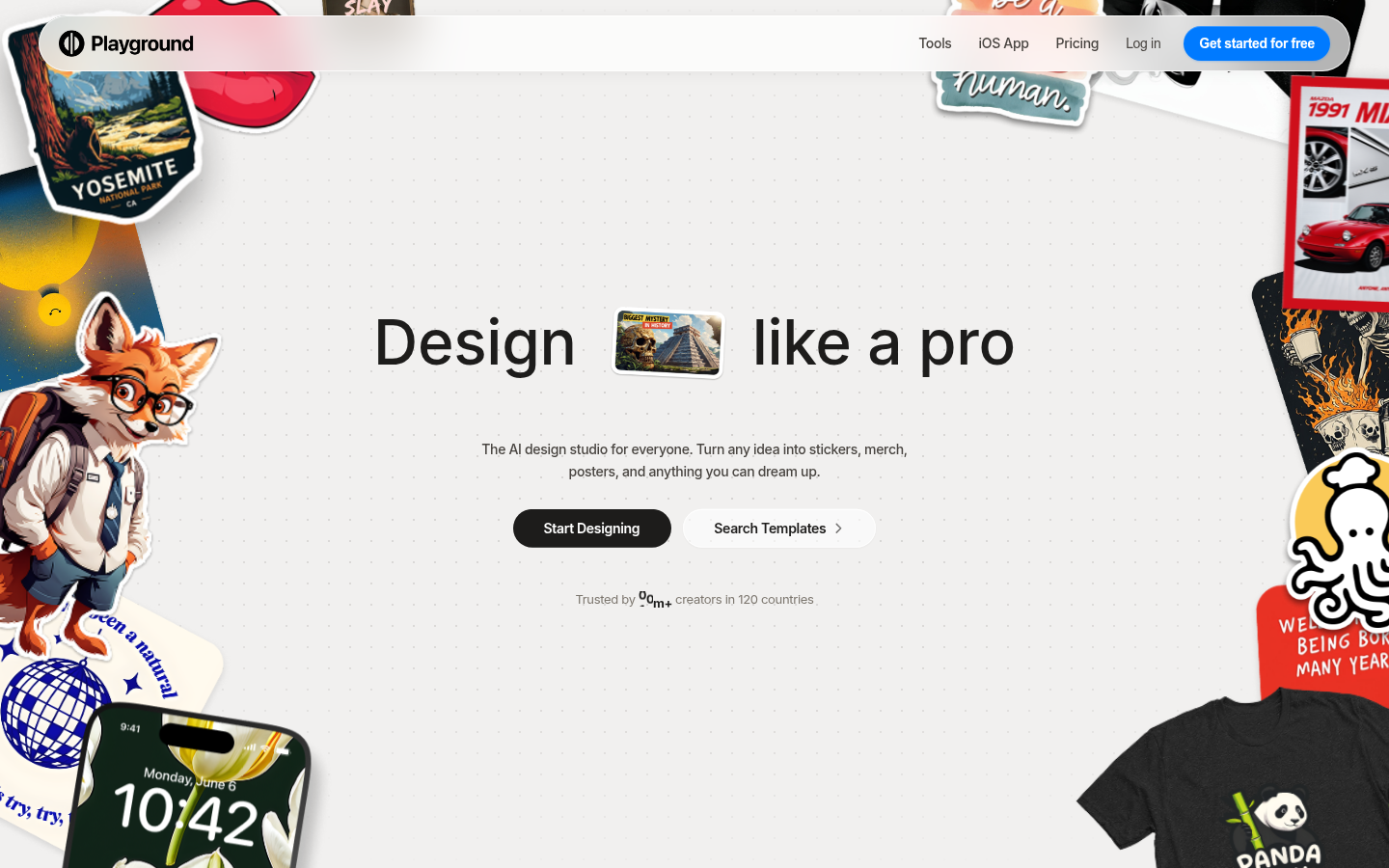
Playground AI
- Free to start, no credit card, with thousands of ready-to-customize templates
- GPT Image 2 and Nano Banana Pro built in for typography-heavy designs
- Non-destructive tools like swap style and remove object keep every edit reversible
- iOS app rated 4.9 out of 5 across more than 5,400 reviews
- Leans toward design templates over open-ended fine art generation
- Higher-volume print fulfillment sits behind a paid design tier
Best free option if the end goal is a finished, printable object rather than a raw image.
Verdict
OpenArt AI is the practical starting point: one subscription, over 100 models, and a $9.99 entry price that beats paying for several single-model tools separately. Reach for Midjourney when the painterly look matters more than convenience, Ideogram when text has to stay legible inside the image, and Krea when the final file needs to survive a large print run.
How we tested
We ran the same ten prompts (photorealistic portrait, painterly/illustrated scene, and a design with legible text) on the free tier of each tool, then again on its cheapest paid tier, in August 2026. We noted where output quality actually changed between tiers versus where the upgrade only removed a watermark, checked each site's current pricing directly rather than relying on older screenshots, and tested how each upscaler held up when a file was pushed toward print resolution rather than judged only on a phone screen.
We tested six of the best AI art tools available in 2026, judged the way a print shop judges anything: does it still look good once it's out of the browser? OpenArt AI wins this round for anyone who wants breadth without five subscriptions, over 100 models starting at $9.99 a month. Midjourney still owns painterly texture, Ideogram wins on legible in-image text, and Krea's real-time canvas and 22K upscaler make it the pick for anyone planning to print big.
What actually matters when you're picking one
Most "best AI art tools" roundups rank on prompt cleverness and stop there. That's a thin way to judge something you might pay for monthly. We looked at four things instead: what a render actually looks like at full size (not the thumbnail), what happens when you try to push that file to a 16x20 print, how the free tier holds up past the first ten generations, and whether the commercial usage terms are written in plain language or buried three pages deep in a ToS.
Here's the thing about paper: a render that looks crisp on a phone screen can fall apart at 300gsm once you can see brush strokes turn into pixel mush. Two of the six tools here (Krea and Leonardo) build their whole pitch around upscaling for exactly that reason.
How we tested these six
Each tool got the same ten prompts, run across three categories: photorealistic portrait, painterly/illustrated scene, and a design with legible text in it (a poster headline, a card message). We ran every prompt on the free tier first, then again on the cheapest paid tier, and noted where the output actually changed versus where the upgrade just removed a watermark. Pricing and feature claims were checked against each site directly in August 2026, since AI tool pricing shifts often enough that a six-month-old screenshot is close to useless.
Where each one actually wins
OpenArt AI is the practical starting point if you don't want to pick a lane yet. It doesn't have one house style, it gives you access to SDXL variants, Flux, DALL-E-3-adjacent output, and Midjourney-style renders inside one $9.99/mo plan, plus a character builder that holds a face steady across a whole batch of images. The tradeoff is that a first-time visitor has a lot of menu to click through before finding the model that fits their prompt.
Midjourney is still the one people mean when they say "AI art" without qualifying it. Version 8.2 renders paint texture, ink bleed, and grain with a depth the others still chase, and it's the reason the Discord-native workflow survives despite being less convenient than a clean web app. There's no free trial anymore, which matters if you just want to test the waters before paying $10 a month.
Leonardo AI is built for repeat use. Fine-tune a model on your own reference images, keep generating in that exact style, and edit the results on an actual canvas (inpainting, outpainting) instead of re-rolling the whole prompt. The daily free token allowance is generous enough to learn the tool, though it thins out fast once you're generating at higher resolutions.
Ideogram solves the one thing every other tool on this list still fumbles: text inside the image. Signage, poster headlines, a card message rendered in the art itself, Ideogram 4.0 gets the letterforms right more often than not, and the text layer stays editable so a typo doesn't force a full re-render. Character consistency across a batch holds up too.
Krea is the one to reach for once you already have a favorite prompt and just need it bigger. The real-time canvas shows a usable preview in under a second as you adjust the prompt, and the upscaler goes to 22K, useful if the end goal is something print-scale rather than a phone wallpaper. Commercial rights only kick in on a paid plan, which is worth knowing before you build a client project around the free tier.
Playground AI skips the blank-canvas problem entirely. It's built around templates, stickers, posters, T-shirts, cards, so you're customizing something that already looks finished rather than prompting from zero. GPT Image 2 and Nano Banana Pro are both built in for anything text-heavy. It leans toward finished design objects over open-ended fine art, which is exactly the point if that's what you're after.
Free tiers, real limits
Every tool here has some form of free access, but "free" means different things. OpenArt, Leonardo, Ideogram, Krea, and Playground all hand out daily credits with no card required. Midjourney is the outlier, no free tier at all since it phased trials out. Krea's 100 compute units a day sound generous until a handful of upscales burns through them in one sitting. If the plan is to test before committing, start with OpenArt, Leonardo, or Playground, all three let you get a real feel for output quality before any payment method is involved.
Before you subscribe to anything
If the goal is one subscription that covers the most ground, OpenArt AI is the one to start with. If the goal is a specific look, painterly and a little strange from Midjourney, legible text from Ideogram, print-scale upscaling from Krea, pick the specialist instead. None of these six is a bad tool. The difference is what you're actually trying to make, and whether you want that image to still hold up once it's not on a screen anymore.